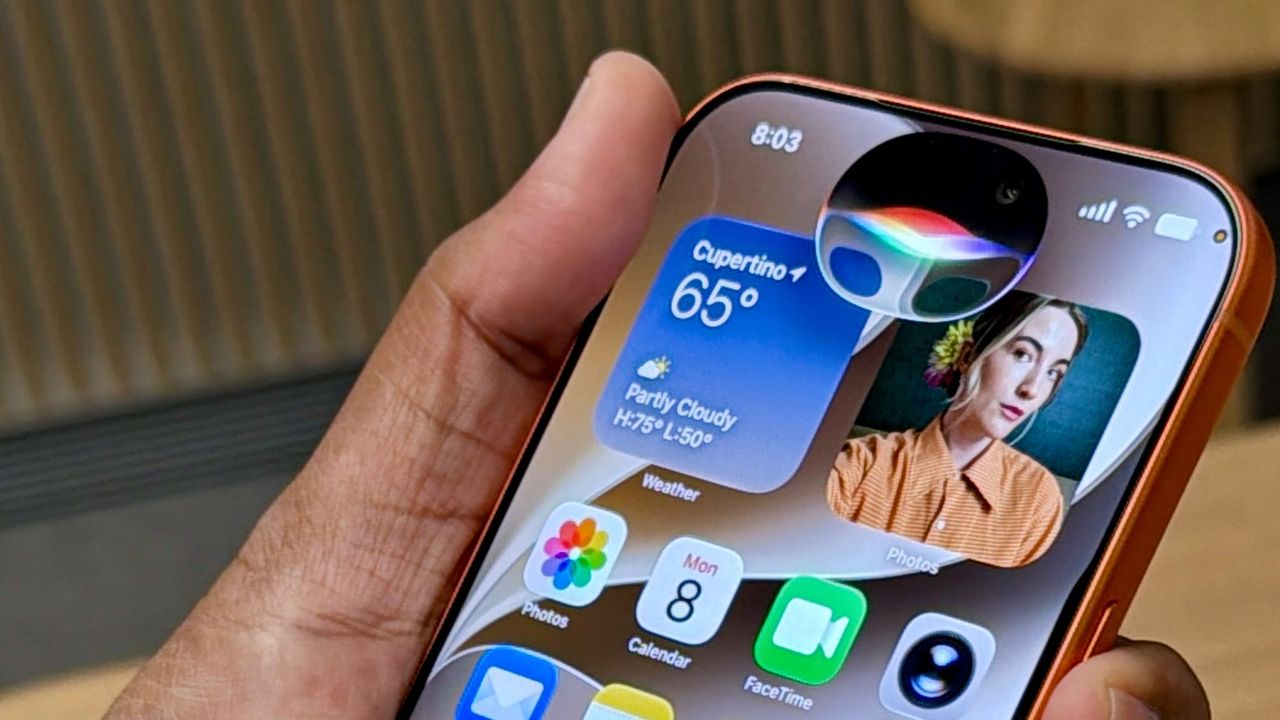
Apple's new Siri AI is the headline feature of iOS 27, but most users downloading the developer beta are hitting a wall: a waiting list. Instead of immediate access to the revamped assistant, you get a message saying Siri AI isn't available yet.
Apple is rolling out the feature in phases, which means some people get access while others wait.
If you're running iOS 27 and eager to test the new Siri right now, there's a workaround that's spreading among beta testers. And according to a clever tip shared by a user on X, there might be a quick way to skip the queue entirely.
If you're keen to get started immediately instead of waiting for Apple's rollout, here's how.
Download the iOS 27 developer beta first
You need iOS 27 to access the new Siri AI, whether through the waiting list or the workaround. If you haven't installed the developer beta yet, you'll need to register as an Apple developer first.
Then open Settings, go to General, Software Update, Beta Updates, and select iOS 27 Developer Beta. As this is a developer beta and not public yet, it's a good idea to back up your iPhone first.
Bypass the waiting list with this workaround
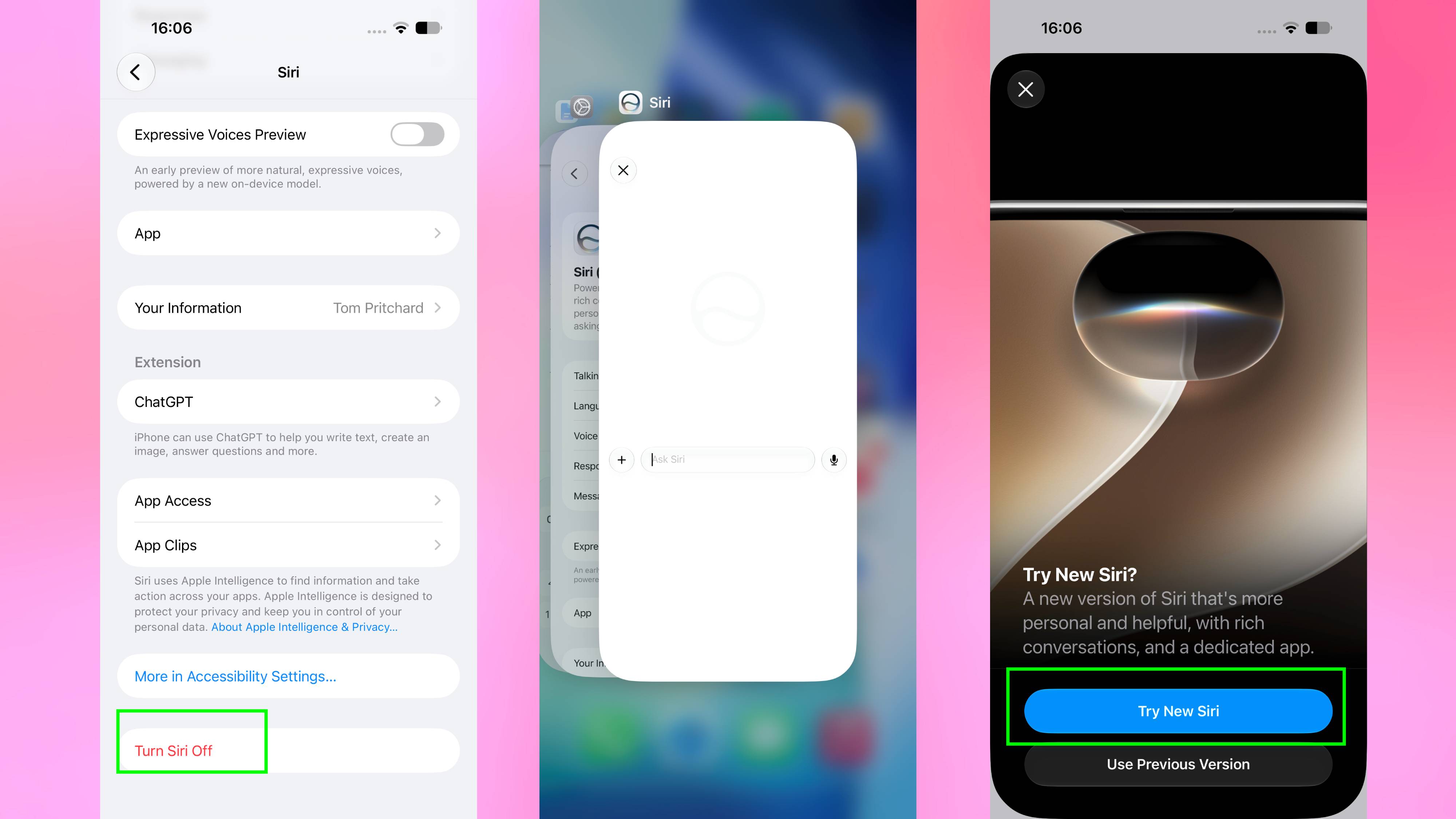
To try the workaround, start by turning off Siri on all your other connected Apple devices, leaving it active only on your main iPhone.
Next, turn off Siri on your phone and close the Settings app from your recent apps switcher. Power your iPhone completely off, turn it back on, and then head back into your settings to turn Siri on.
Close Settings from your recents once more, reopen it, and turn Siri off again. Finally, close Settings one last time, reopen it, and turn Siri back on.
When you check Siri now, the waiting list message should be gone, giving you immediate access to the new Siri AI. If you're still seeing the queue, try restarting your iPhone and running through the final toggle steps once more.
Did this hack get you off the iOS 27 developer beta waiting list? Let us know in the comments!