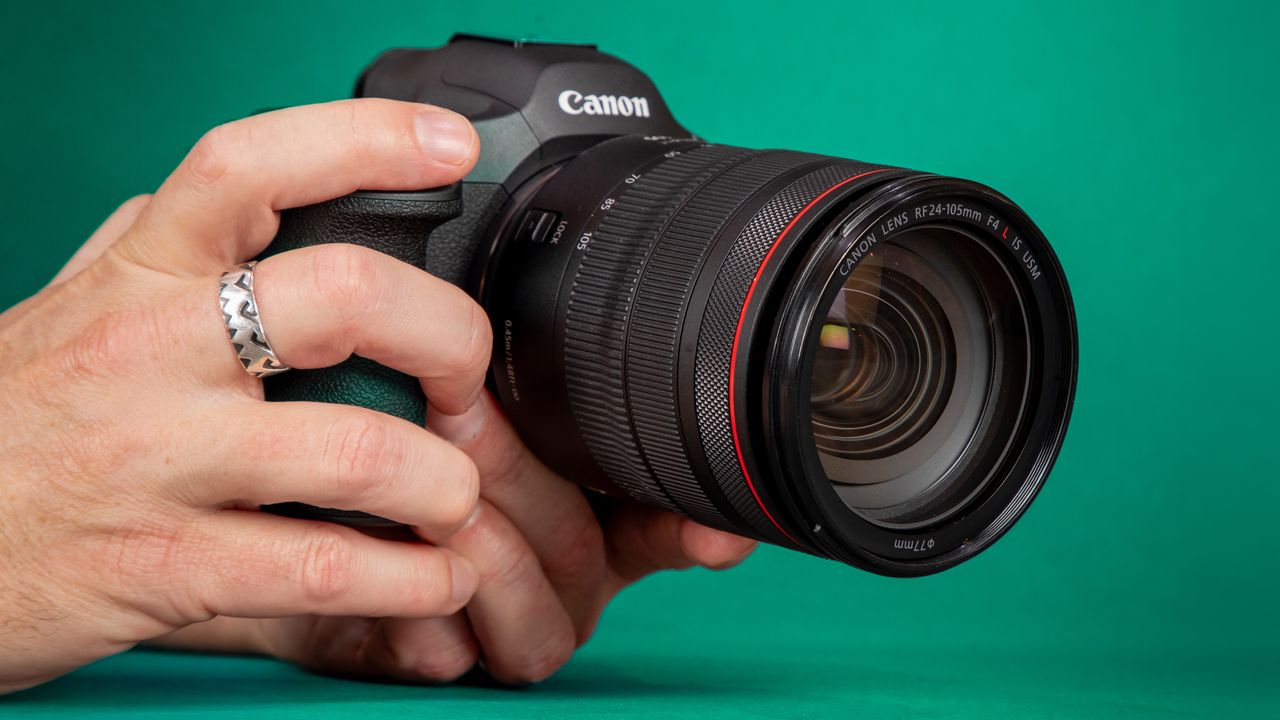
Just weeks after releasing one of the most feature-packed firmware updates for the Canon EOS R5 Mark II, Canon has issued another update to fix a problem introduced by the previous firmware.
The fix arrives for the hybrid flagship camera that we described in our review as "still the best damn camera you can buy."
Firmware Ver. 1.3.0 added a range of new capabilities, including an American Football Action Priority mode, improved people detection and tracking, DPRAW support, expanded video monitoring tools, and the ability to transfer AF (autofocus) settings between cameras.
However, the update also introduced an issue that could cause the camera to stop functioning properly when Touch & Drag AF was used with Whole Area AF.
The new Firmware Ver. 1.3.1 specifically fixes the AF problem – but also adds the features introduced in the previous update – good news for users who chose to wait and see whether the firmware would introduce any unexpected issues.
New firmware

Firmware Ver. 1.3.1
US: Download link for Microsoft and Mac
UK: Download link for Microsoft and Mac
This firmware includes fixes for the following issues identified in Version 1.3.0: Fixes an issue in which the camera may stop functioning properly when Touch & drag AF is used with the [AF area] set to "Whole Area AF".
This firmware also incorporates the changes that were introduced in Firmware Version 1.3.0 – so if you have not updated your R5 Mark II yet, Version 1.3.1 gets you all the benefits of the last firmware too.
Please perform the firmware update with only the firmware file to be updated stored on the memory card.
Pro Advice

If you caught Episode 4 of Bokeh Face: Digital Camera World podcast, above, we discussed the best time to install firmware updates, why they matter, and what issues they can cause. It's a helpful listen if you're unsure when – or whenever – you should update.
It's smart to wait a week or two after release to see if any users hit snags. In the past, brands have had a few hiccups with major updates – for instance, introducing memory-setting bugs or minor interface glitches before being reissued.
You might like...
Browse the best lenses for the Canon EOS R5 and EOS R5 Mark II.