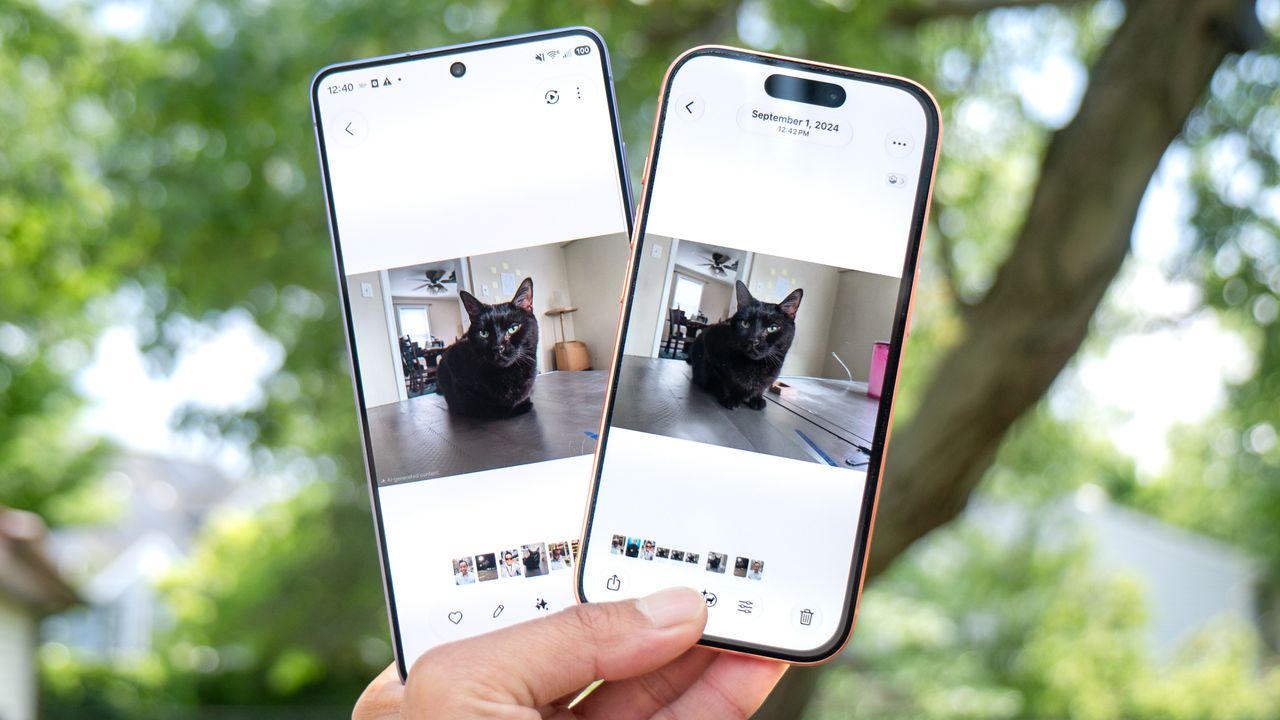
Around this time last year, I put the AI-assisted photo erasing tools on some of the best phones to the test to see which one performed best. While Apple’s Clean Up feature was intuitive to use, it wasn’t as good as Google’s Magic Eraser — and nowhere near the impressive results delivered by Samsung’s Galaxy AI Photo Assist. But now, Apple has given its version a much-needed upgrade in iOS 27, backed by what it calls “better quality and more realistic infill.”
Of course, I wanted to see how well this latest version of Clean Up performs compared to Samsung’s offering. For this iPhone Photo Cleanup vs. Galaxy AI Photo Assist test, I’m running the iOS 27 developer beta on my iPhone 17 Pro and One UI 8.5 on the Galaxy S26 Ultra. I then took photos I had previously captured on different phones and ran them through each device’s respective AI erasing tools. Can Apple finally prove it’s as capable as Samsung at removing unwanted objects? Here’s what I found.
Ray-Ban Meta glasses
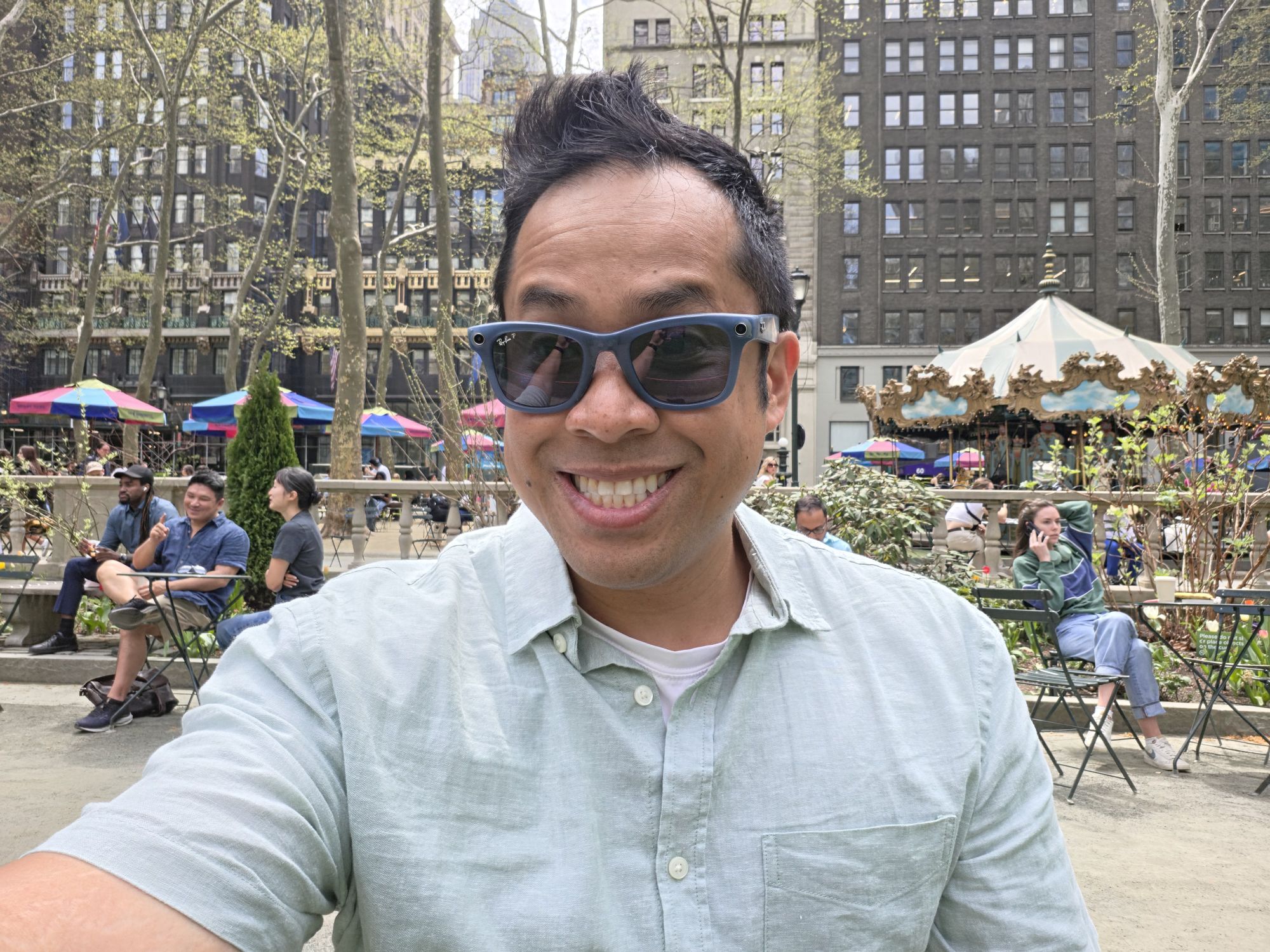
So, the first thing I wanted to test was how well they can fill voids in a photo. I think the results above of me at Bryant Park wearing my Ray-Ban Meta smart glasses clearly show which one is better.
Even though I was able to circle the glasses on my face with ease, Apple’s Clean Up tool makes me look like a creation from a Hellraiser movie. Terrifying? Absolutely, but this is something that I’ve experienced Clean Up struggling with.
Meanwhile, Photo Assist does a better job at actually removing the glasses — but it makes my eyes smaller in the process. It’s not perfect, but I’ll take it.
Chevrolet Corvette

Ironically, I parked close to another Chevrolet Corvette when I was testing the E-Ray a couple of months back. This time around, Apple’s Clean Up clearly identified the yellow Corvette and removed it with ease — just like the Samsung shot.
Looking closer at the photo, I think both did an excellent job of using generative AI to fill the void. For example, they recreated the fence, trees, and stone path behind the car.
Crowds by Bryant Park
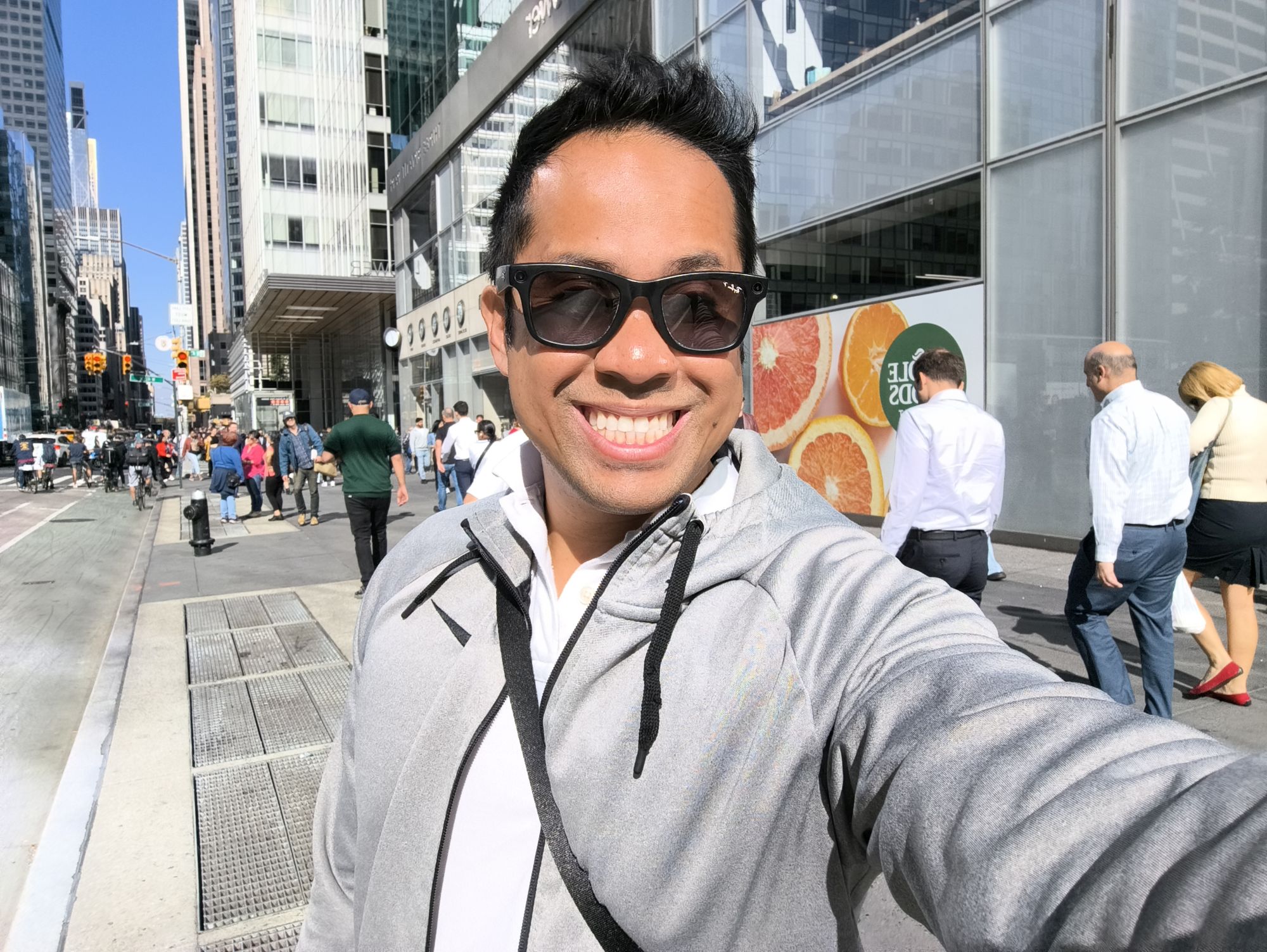
Looking at a selfie shot I captured near Bryant Park, it took me a couple of attempts to circle the people in the background with both phones. I can’t say why Clean Up missed the selection of the man walking on the right side of the frame, but otherwise, I think it does a good job of removing people.
What I like more about Photo Assist on the Galaxy S26 Ultra is that it again manages to analyze the scene to deliver a more realistic generation. If you look at the left with all the bikers in the bike lane, it manages to keep the lines straight — whereas Clean Up warps the lines a bit.
Cat mess
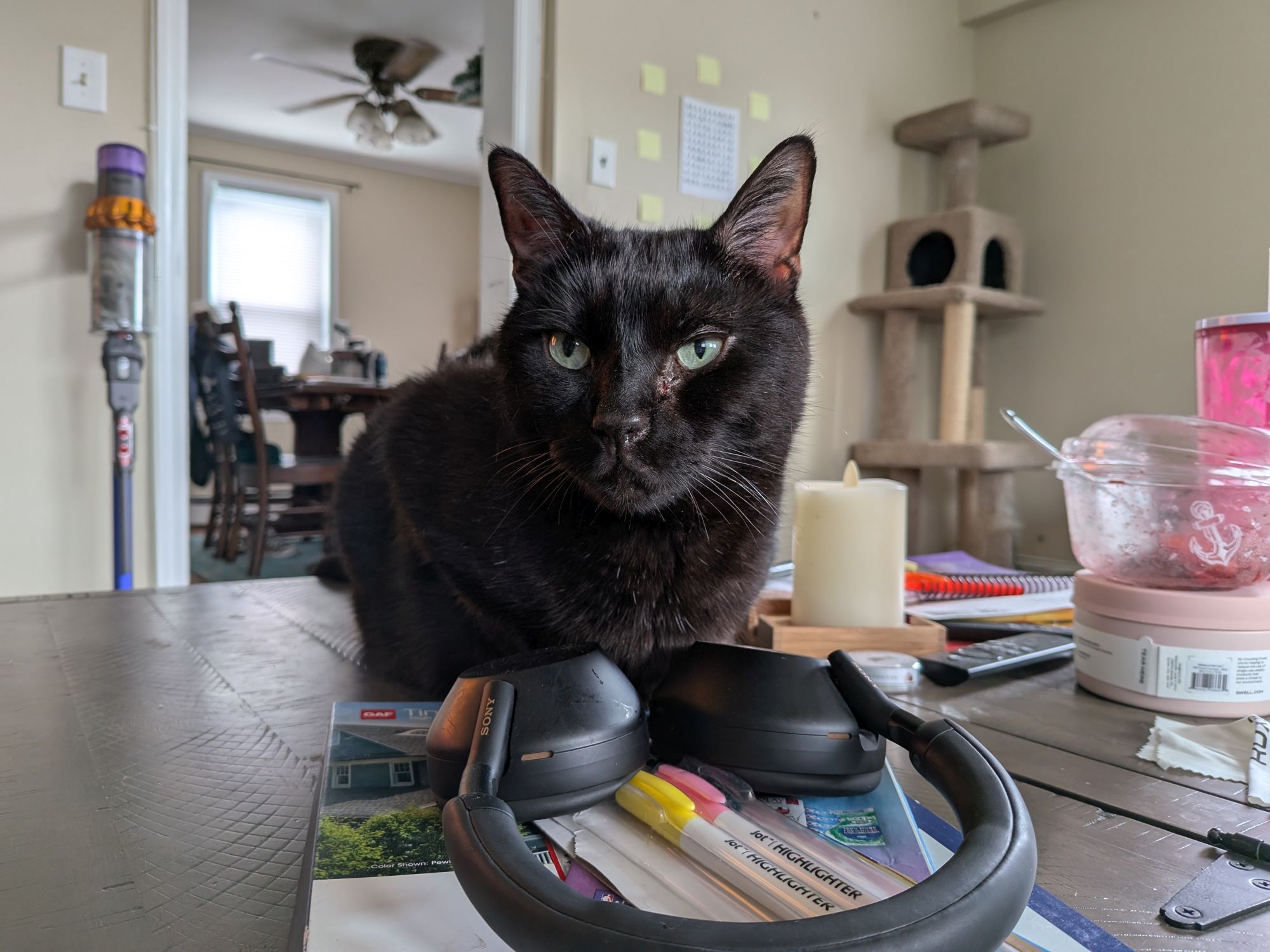
This next shot is much busier, so I wasn’t surprised that it took me a bit longer to manually select the objects I wanted removed. Neither phone managed to erase everything I wanted from the coffee table with one of my cats on it, but I’d give this round to Apple. That’s because it successfully removed the cat tree in the far background.
There’s nothing terribly wrong with the Photo Assist result either, since it removes more of the nearby clutter and accurately generates my cat’s paws back into the frame.
Panos Panay
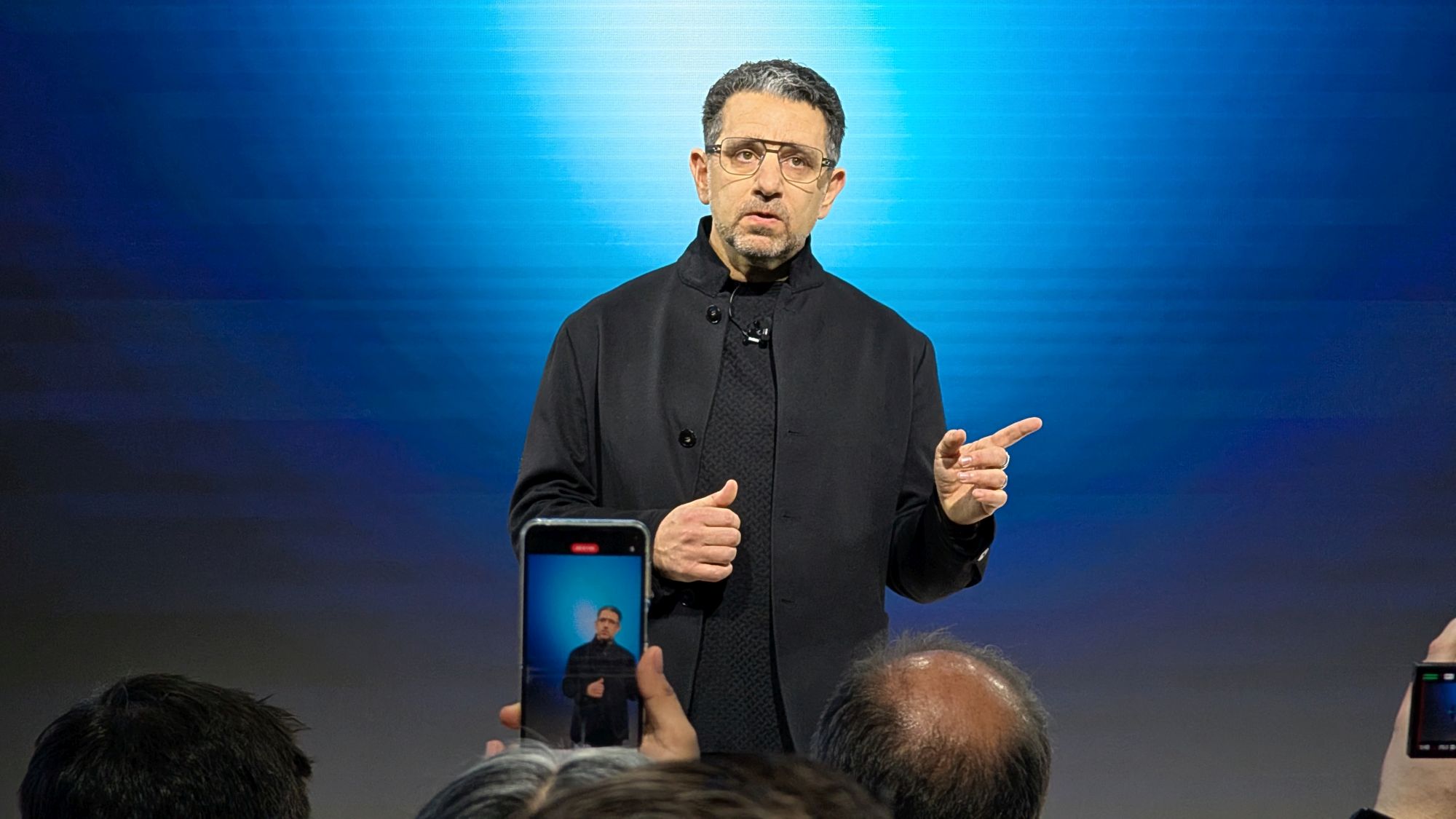
Here’s another shot that I used in my previous test to see how well Apple’s Clean Up performed against Galaxy AI’s Photo Assist. Amazon’s Panos Panay looks much better this time around thanks to Clean Up’s improved performance because, in my previous attempt last year, it failed to remove the crowd and the phone in front of him.
Samsung’s AI tool also performs well here by carefully removing those distractions, but I’m not convinced by the jacket pocket it generated because it doesn’t look uniform. That said, I do like how it appears to have added cufflinks to his shirt.
Freedom Tower

I took a photo from a balcony on a nearby building with the Freedom Tower centered in the frame, but the adjacent buildings around it were overwhelming the shot. That’s why I tried removing them with both AI tools, and you can immediately see which one handled it better.
Despite making all the selections, Apple’s Clean Up didn’t seem to understand that I wanted those buildings removed. Instead, it only removed a small portion and distorted the rest. Photo Assist didn’t erase everything either, but it does remove enough clutter to make the image feel less busy and helps the Freedom Tower stand out more prominently.
EcoFlow Power Hat
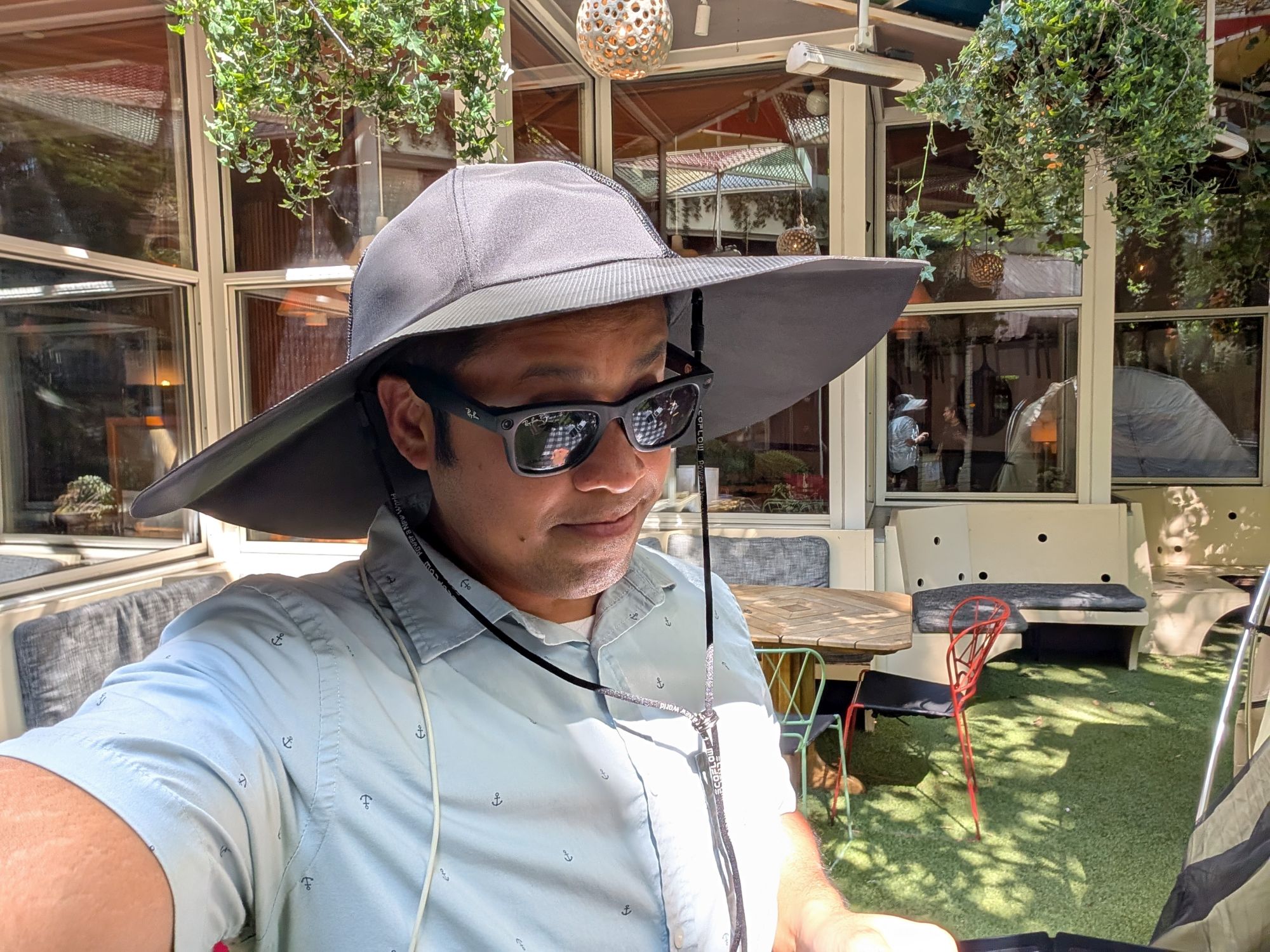
For my last test, I again wanted to see their generative performance by taking another shot of me wearing the EcoFlow Power Hat. If you’ve checked out my previous comparison story, you’ll know how Clean Up failed miserably.
Well, the result this time is a bit better because it manages to remove the solar-powered hat from the top of my head — but it then generates a cap that makes me look like I’m part of the clergy. It’s also weird that the cap isn’t clearly defined, which makes it look like the top of my head is slowly disappearing into thin air.
I’m equally shocked by Photo Assist, which makes me feel a bit self-conscious by aging me with thinning hair and a receding hairline. But despite this, it’s still the better of the two.
Bottom line
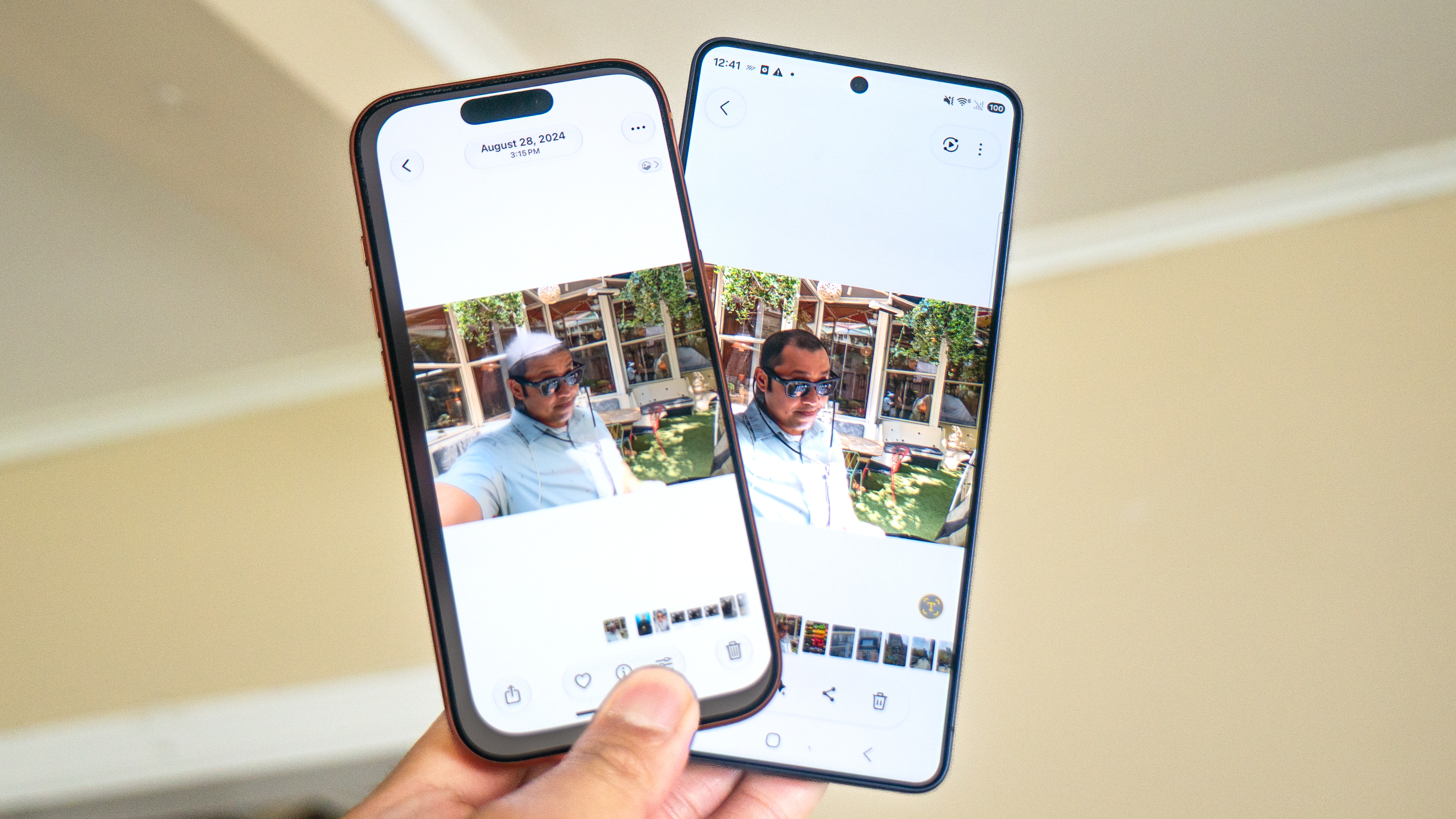
So far, I can say that Apple’s Clean Up tool's performance has improved over what it was originally, but there’s still work needed to match the level of realism and accuracy that Samsung’s Photo Assist offers. Removing objects outside of your main subject is a breeze for Clean Up, which is pretty apparent in shots like the Corvette and my selfie captured near Bryant Park.
It continues to have trouble with more detailed requests, like removing my Ray-Ban Meta glasses from my face and the EcoFlow Power Hat from my head. Then again, I’m running the iOS 27 developer beta, and there could very well be more improvements made to it before iOS 27 officially launches later this fall.