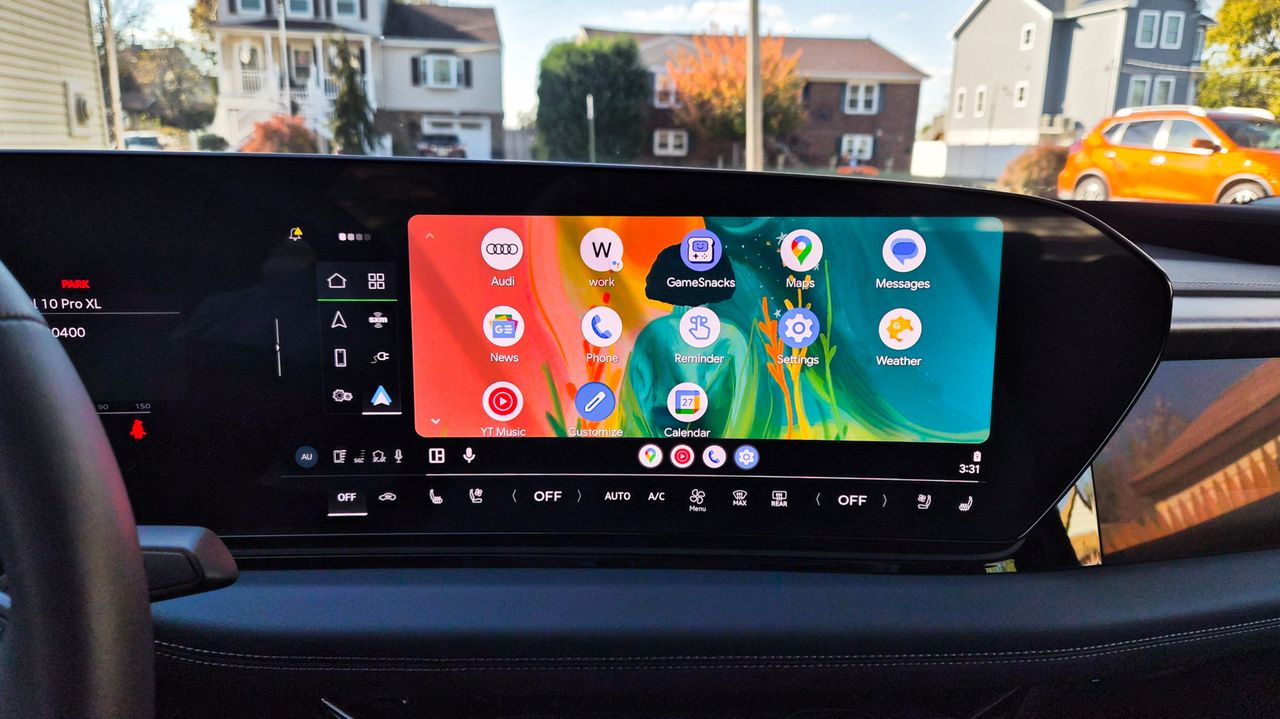
About a month ago, after a security update, my Samsung Galaxy S26 Ultra refused to connect to Android Auto with my 2019 Honda CR-V. It's not an uncommon experience between Android and that specific car, it seems.
However, a recent Google Play Services update may have solved the issue. I noticed on Sunday that I was able to brute force the connection, but it's been smoother in the last couple of days since then. If it's helped me out, then there's a chance it could do the same for any of you struggling to get your Android phone to talk to your motor.
The Google update went live on Monday, June 8. Google's release note simply reads: "[Auto] Bug fixes for Device Connections related services."
It doesn't detail how Google fixed the bugs, but it's clear that the connection issues are a problem.
When the S26 series was released in March, owners of both the new Samsung phones and Pixel phones reported issues with Android Auto connectivity. At the time, some users suggested that the new Advanced Protection security feature was blocking the connection. Neither Google nor Samsung confirmed this or any other theory.
This isn't a new problem
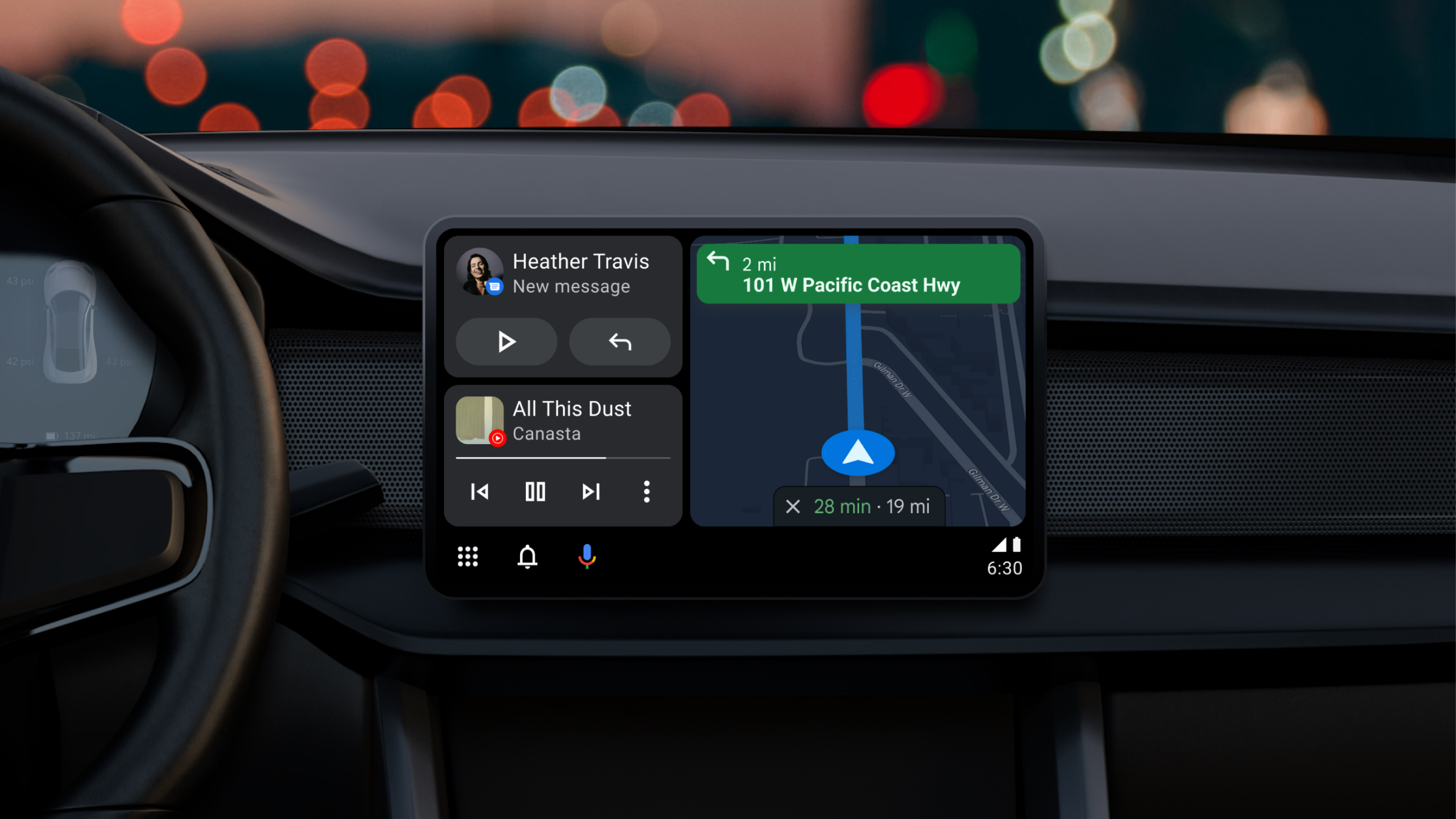
Personally, I've had issues with Auto connections for years going back to the Samsung Galaxy S22 Ultra.
Initially, I was able to connect my new S26 Ultra immediately. I only noticed issues after a Samsung security update in May. Obviously, something happened, but I'm not sure where in the Android pipeline things are getting clogged.
Personally, I've had issues with Auto connections for years going back to the Samsung Galaxy S22 Ultra. That may or may not be related to Android Auto or my CR-V, which I've owned for about three years now.
Because Android Auto typically requires a tethered connection, connection problems can come from the type of USB-C wires used to connect your phone and the vehicle.
I've found that connection disruptions often tend to happen after security updates, which seem to break the established connection between my phone and the car.
For now, I'll happily use Android Auto because I do enjoy it. But I'll hold my breath every time my phone proffers a new update. And if you've also suffered issues with Android Auto, I want to hear from you — drop me a comment below this article and let me know.