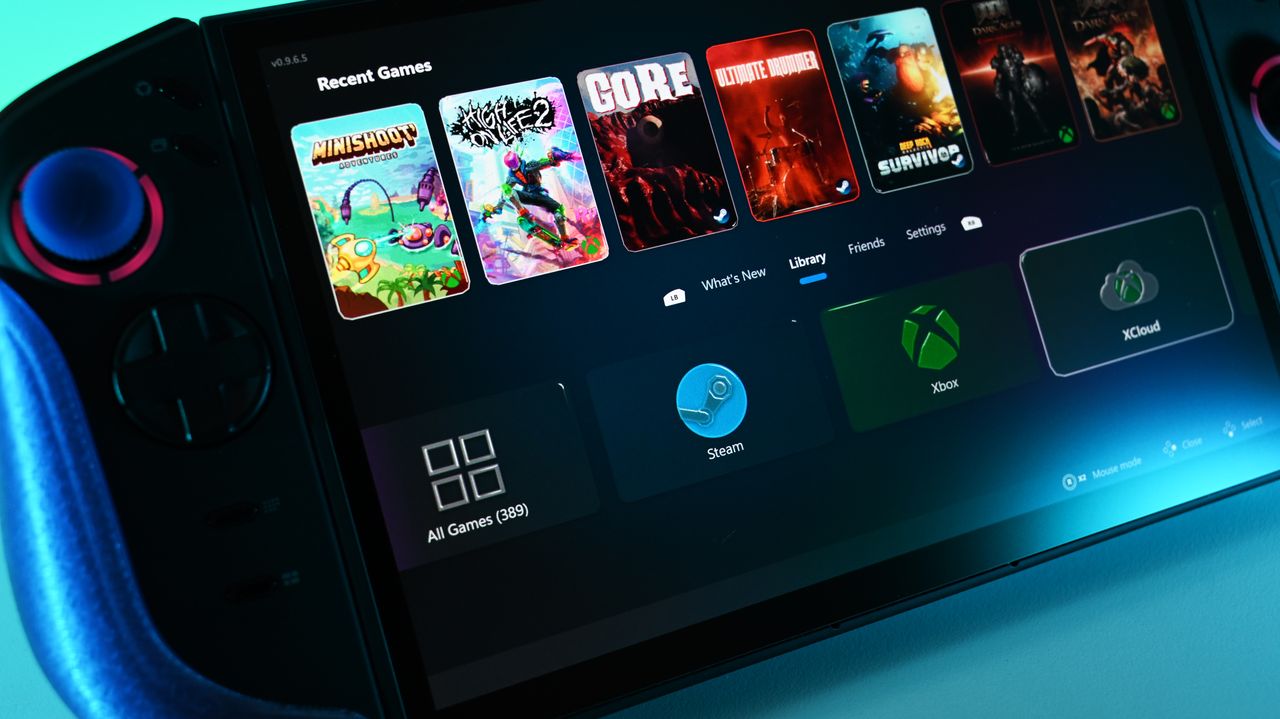
The team over at Winhanced is really pumping out updates lately, bringing new features for early access members, as well as additions for everyone. I’ve covered Winhanced quite a bit recently, even giving my full thoughts on why I believe you should use it over the Xbox App on your handheld, alongside the previous update that introduced low-power downloads to Windows handhelds.
First off, I’ll cover what’s being added in the latest public release (version 0.9.6.9). While it’s not really a feature aimed at me personally, it does add to how all-encompassing Winhanced is becoming. The team has now added PlayStation library support directly into Winhanced, meaning once you connect your PSN account, Winhanced can display your PlayStation games within its interface. As explained in the release note:
"PlayStation library support is now exiting early access! This is different from the current PlayStation remote play integration. Just like with your other libraries, you have the ability to sign in with your PSN credentials. Winhanced will then automatically import all of your PlayStation libraries into the PlayStation library menu. While you can’t install and play your PlayStation games locally, it's not just pretty pictures. If a game is installed on your PS5 console, you can open the game details for a game and select Play. This will automatically wake your PS5 over the internet, launch that game for you, and then launch a remote play session via Chiaki."
Basically, if a supported game is already installed on your PS5 console, you can launch it remotely through Winhanced using Chiaki (an open-source remote play app for PC) and stream it directly to your handheld. You can’t install PlayStation games locally through this feature, but if you’re a PlayStation fan, it’s honestly a pretty neat addition.
Improvements have also been made to navigation, which is nice to see and something I’ve personally wanted. The settings pages and Friends hub now have smoother navigation, and you can also scroll settings menus using the right stick.
Now, over to the early access release, which is accessible by supporting the team via Patreon. Winhanced has now added support for over 108 emulators, all of which can appear under a dedicated Emulator Library tab.
While Winhanced won’t directly display your ROMs like a traditional emulator frontend, I actually think this is a pretty good compromise for people who use emulators regularly. Another great addition is the new Apps Library, which now allows users to launch apps directly through Winhanced, including Progressive web apps.
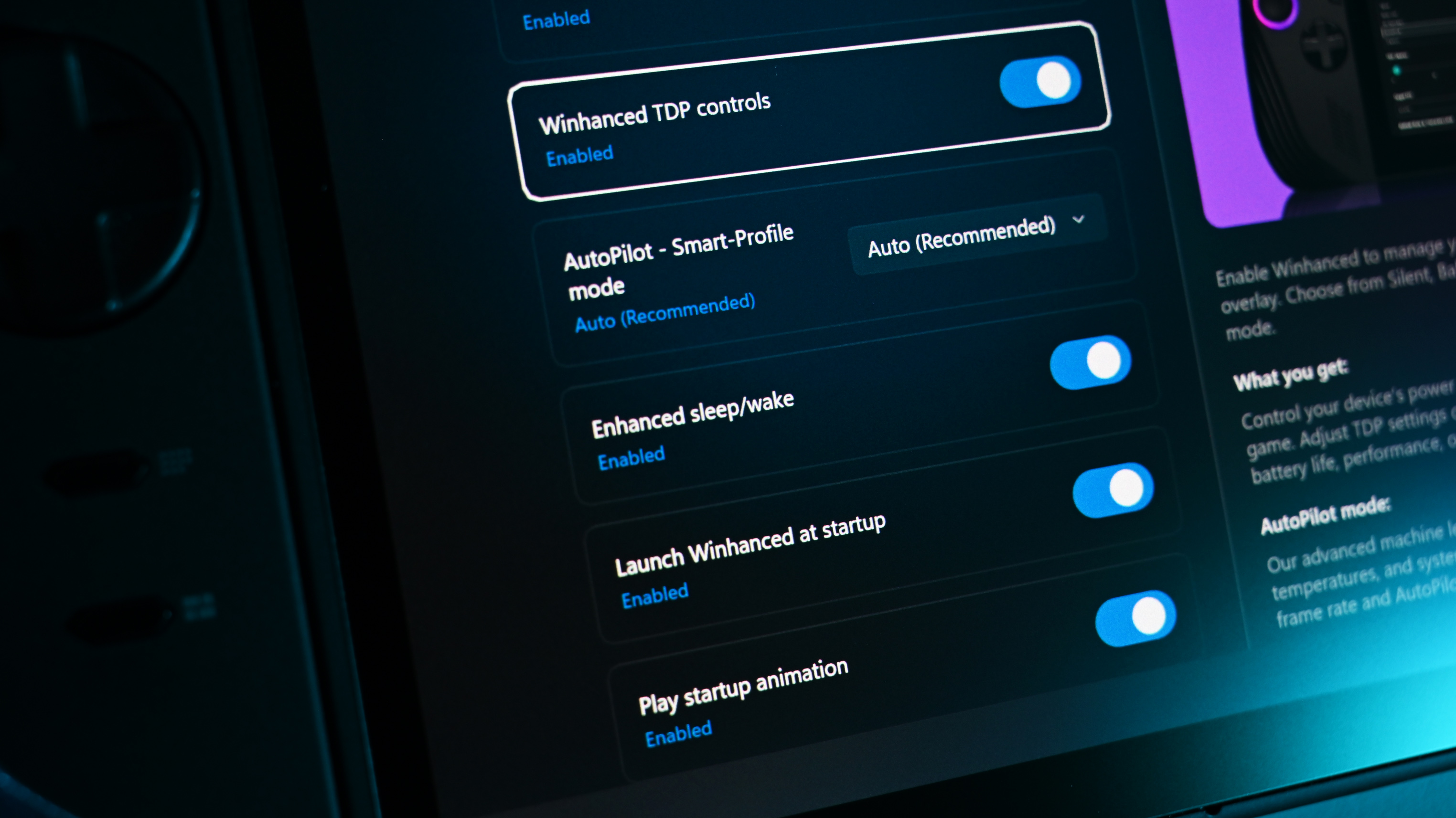
You can download Winhanced from their official website, and to stay up-to-date with the launcher, be sure to join their Discord too.
I’d love to hear your thoughts on these latest updates to Winhanced. Do you think these are welcome additions? Have I convinced you to give it a try yet, or are you still waiting for version 1.0 before jumping in?
Let me know in the comments, and as always, be sure to take part in our poll above.

Join us on Reddit at r/WindowsCentral to share your insights and discuss our latest news, reviews, and more.