- Logitech MX Master 4 adds Windows 11 Advanced Haptics
- Addition brings extra feedback for users across a series of tasks
- More features will be coming soon
If you've ever felt that you aren't truly connected to the documents, spreadsheets and slide decks you produce at work, then good news - help is on the way.
Logitech has revealed that its flagship MX Master 4 mouse will now be integrated with Microsoft's Advanced Haptics for Windows 11, giving you all the extra feedback you could ever want.
The news means Windows 11 users can feel subtle vibration feedback during previously mundane everyday actions like snapping and resizing windows, or aligning objects in PowerPoint.
Haptics up in your mouse
Logitech says there's no extra software upgrades or downloads required to enable the new capabilities, just a quick firmware update in its Logi Options+ platform, using the latest updated Windows 11 version.
Existing users can access the feature now, but there will also be new units shipping in Autumn 2026 which will support the feature out-of-the box, with new support for additional haptic feedback coming to both Windows 11 and third-party applications soon.
“With advanced haptics in Windows 11, everyday interactions are more responsive, clear, and natural,” says Dave Dame, Senior Director of Human Centered Design, Microsoft. “MX Master 4 delivers that experience from day one, extending interactions beyond the screen and setting a new bar for how hardware and software come together.”
Released in September 2025, the MX Master 4 is undoubtedly Logitech's best mouse to date - I've been using one for several months now.
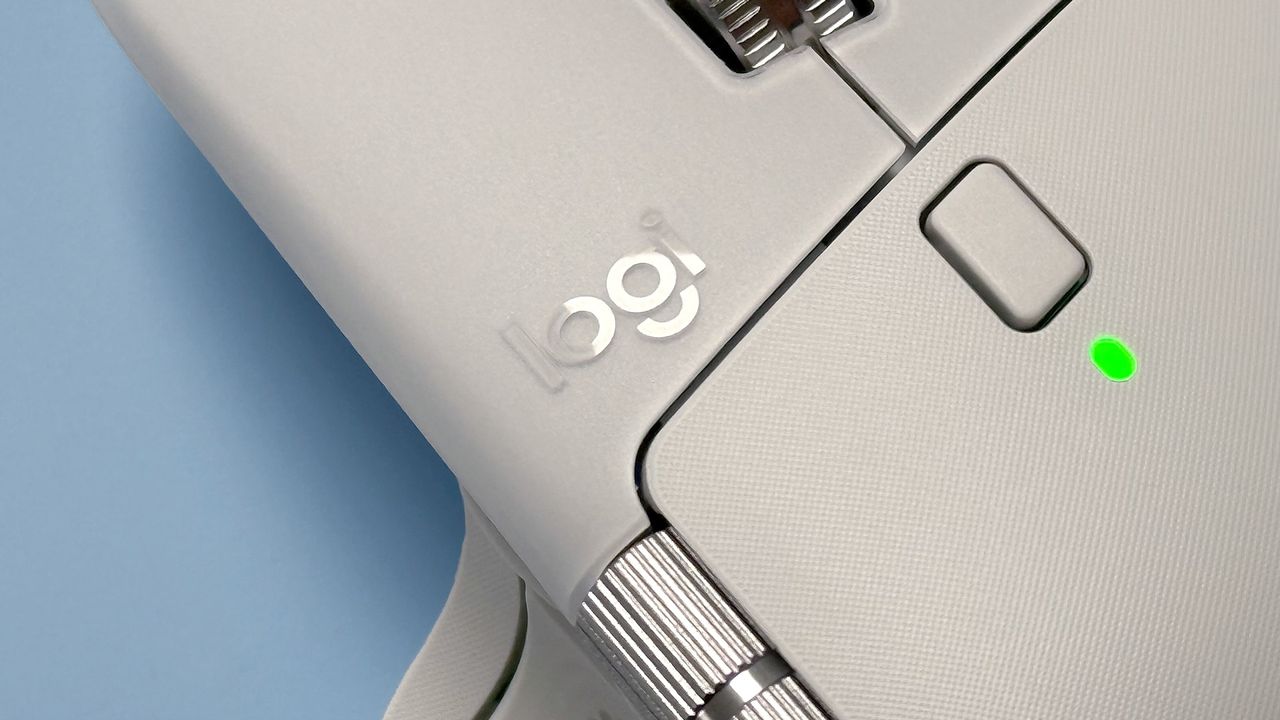
Haptics were a large selling point at the launch, promising to give users more interaction with their accessory across a range of tasks. Situated under where the user's thumb rests, the mouse's haptic pad can be customized to provide interaction on a variety of tasks, from scrolling to selection and navigation.
“Logitech is at the forefront of haptic innovation and, by working in close collaboration with Microsoft, we ensure our users are the first to experience the next generation of productivity," says Art O’Gnimh, General Manager of Mouse and Keyboard Solutions at Logitech.
"We integrated advanced haptic hardware into the MX Master 4 ahead of the curve, anticipating a shift toward more immersive operating systems. With the launch of Windows 11, that engineering foresight pays off. We have delivered a zero-friction, meaningful experience that remains the only one of its kind in the industry.”