
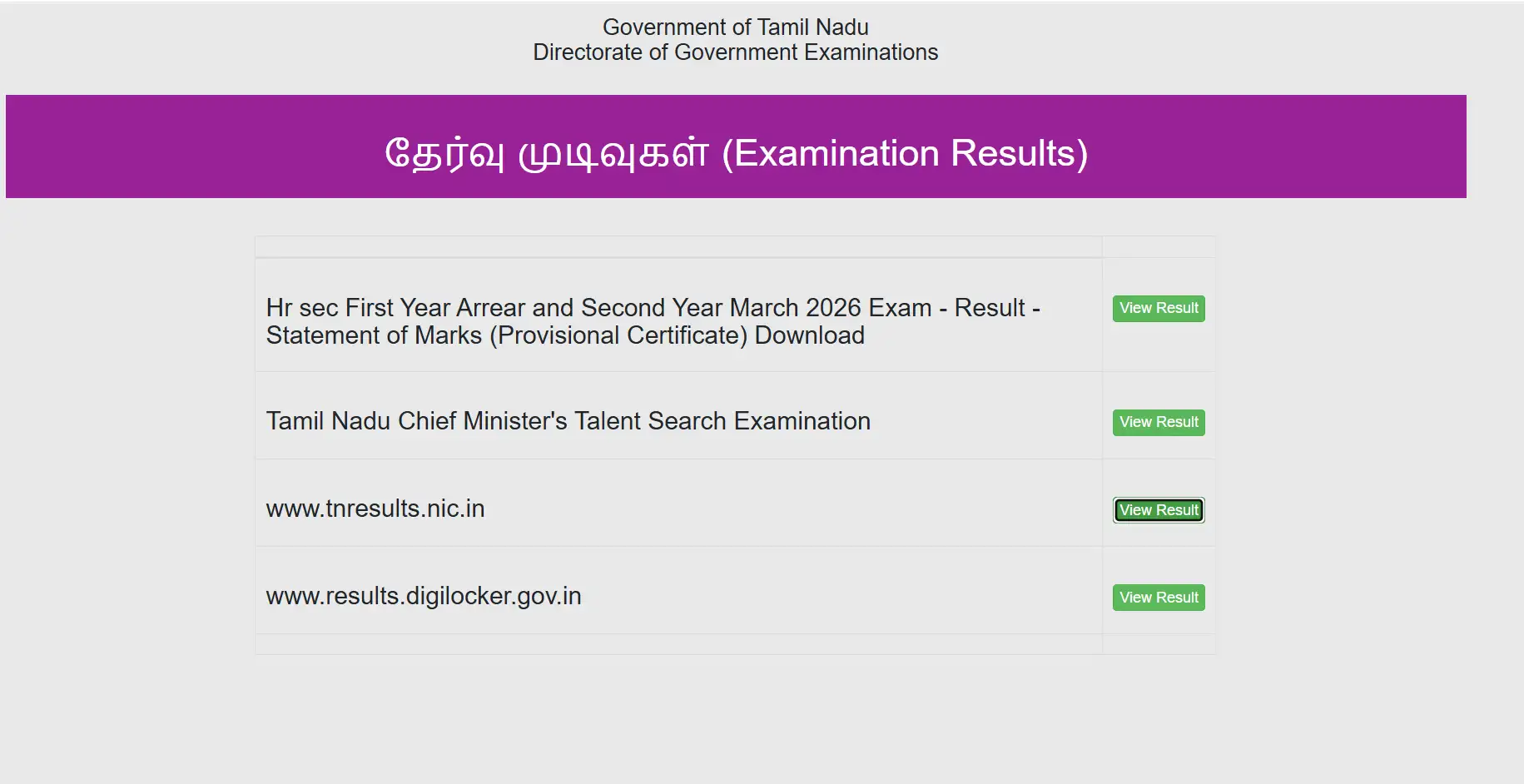
Tamil Nadu Class 10 results have been released today by the Directorate of Government Examinations (DGE) at 9.30 am, according to the official website. Students can check the results at tnresults.nic.in and dge.tn.gov.in, DigiLocker and UMANG app. This year, Tamil Nadu Secondary School Leaving Certificate (SSLC) Class 10 exams were held from March 11 to April 6, 2026. Over nine lakh students took the exams this year.
ALSO READ: CHSE Odisha 12 Results Date and Time
Alternate Website To Check TN SSLC 10th Result 2026
If the official website tnresults.nic.in crashes down, students can check their results on alternative website dge.tn.gov.in. DigiLocker and UMANG are also quick, effective and instant ways to check results. Candidates may also use alternative portals including dge1.tn.nic.in and dge2.tn.nic.in if the main websites become slow due to high traffic.
Students can check the Tamil Nadu Class 10 result using mobile phones, tablets or desktop computers once the result links become active. Candidates only need a stable internet connection along with their registration details to access the provisional scorecard online.
Tamil Nadu TNDGE SSLC Results 2026: Date and Time
Date: May 20, 2026
Time: 9.30
How to check Tamil Nadu SSLC Results online?
Students can check their TN TNDGE Class 10 results by following these steps:
Step 1: Visit the official website tnresults.nic.in or dge.tn.gov.in
Step 2: Click on the "TN SSLC Result 2026" link on the homepage
Step 3: Enter registration number, date of birth and other login details
Step 4: Submit the details to view the result
Step 5: Download and save the provisional marksheet for future use
How to download TN 10th Results via DigiLocker or UMANG?
Students can download their provisional SSLC marksheets through DigiLocker or UMANG once the results are announced.
Step 1: Download the DigiLocker or UMANG app from the official app store.
Step 2: Log in using your registered mobile number.
Step 3: Go to the services section and search for “Tamil Nadu SSLC Result 2026.”
Step 4: Enter your registration number and date of birth.
Step 5: Download and save your digital marksheet.
Students using DigiLocker can also sign in via Aadhaar-linked accounts for easier access. These digital marksheets will act as provisional academic records until schools across Tamil Nadu issue the original certificates after completing the official process.
Official websites to check Tamil Nadu SSLC Results 2026
tnresults.nic.in
dge.tn.gov.in
digilocker.gov.in
UMANG