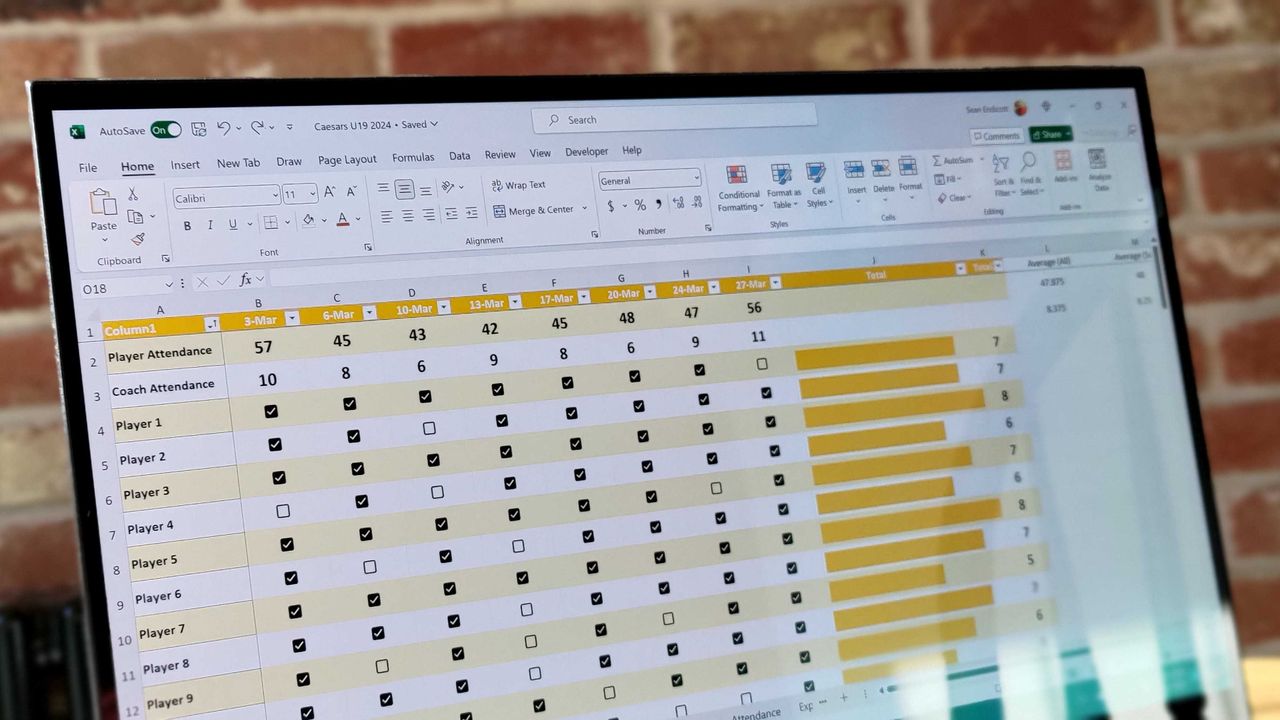
Like many people, my experience with Excel is mainly surface despite it being a profoundly deep program. I've used it to keep track of expenses and to make some charts for the site, but that's about as far as my knowledge allows.
Such a complicated program understandably has a load of support dedicated to proper operation, and scrolling through the Excel section in the Microsoft 365 troubleshooting pages sends a shiver down my spine.
Why was I here looking at support pages? I was checking out a troubleshooting article titled "Excel incorrectly assumes that the year 1900 is a leap year" after reading about it on PC Gamer. How does an issue like this get a complete support page instead of a fix?
As explained in the accompanying article, Excel would almost surely break down to a point that you'd not want to use if it were ever forced to correctly consider 1900 a non-leap year.
Excel's leap year problem has ties to Lotus 1-2-3's launch in 1983

Lotus 1-2-3 launched in 1983 for IBM PCs running MS-DOS, and it quickly became a huge hit with professionals. As you might have guessed, it considered 1900 a leap year, which "caused no harm to almost all date calculations."
When Microsoft launched Excel a couple of years later as competition for Lotus 1-2-3, it, too, came with the 1900 leap year flaw. It was a matter of compatibility between the two programs, as Microsoft wanted to ensure that users could move Lotus 1-2-3 worksheets into Excel without issue.
This issue has persisted and can still be found in the most recent version of Excel for Microsoft 365.
As Microsoft explains, "it is technically possible to correct this behavior so that current versions of Microsoft Excel do not assume that 1900 is a leap year." However, it does not deem the advantages to outweigh the disadvantages.
Correcting the leap year error would cause dates to decrease by one day across "almost all dates" in worksheets and other documents. The WEEKDAY function would stop working properly. And serial date compatibility with Excel and other similar programs would also fail.
Leaving it uncorrected? Well, only the WEEKDAY function will return incorrect dates if you're working with values from before March 1, 1900.
Dealing with the Excel leap year issue in 1992

As mentioned in a Joel Spolsky post from 2006, he approached Microsoft visionary Ed Fries back in 1992 after discovering the issue right before presenting his work to Bill Gates for review.
Fries noted that this bug in Lotus was "probably an intentional one" since it had to fit in 640K of memory. As Fries explained all those years ago:
"If you ignore 1900, you can figure out if a given year is a leap year just by looking to see if the rightmost two bits are zero. That's really fast and easy. The Lotus guys probably figured it didn't matter to be wrong for those two months way in the past."
So, there you have it. The next time I think one small shortcut won't make much of a difference, I'll definitely have this story in mind.

Join us on Reddit at r/WindowsCentral to share your insights and discuss our latest news, reviews, and more.