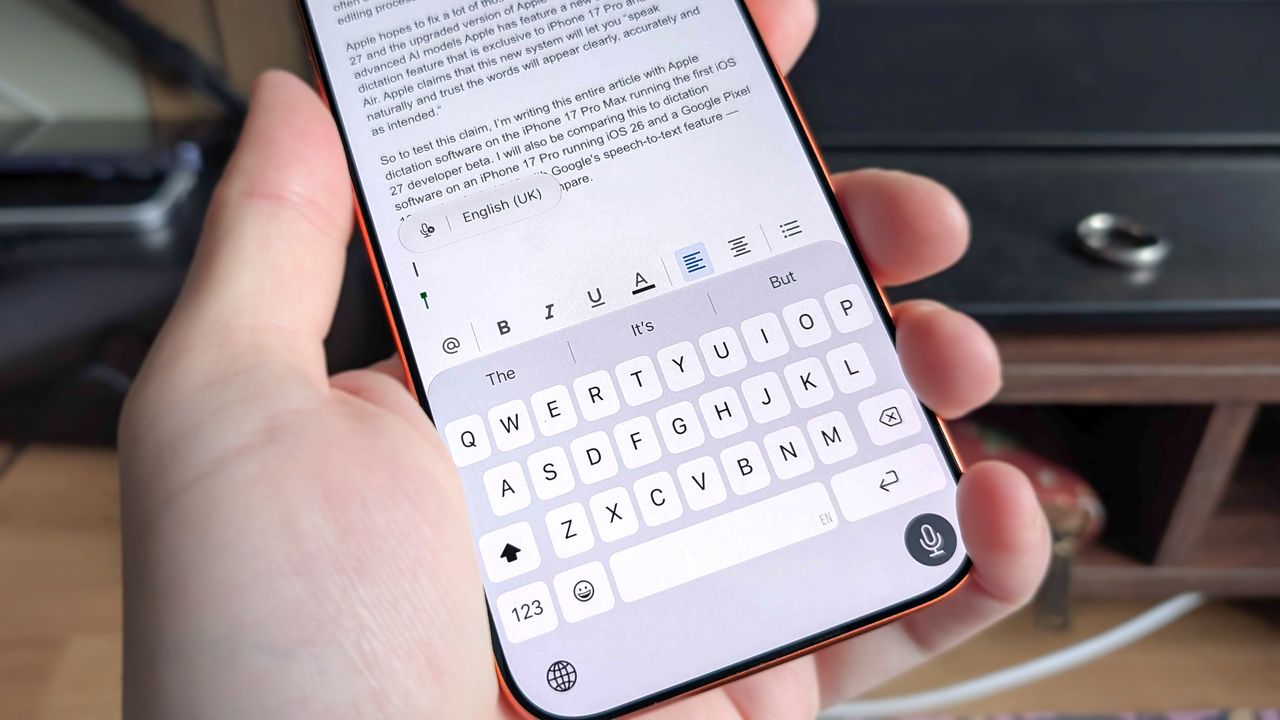
I currently have a seven-month-old who is remarkably clingy. There are times when I’m the only one around to watch (and hold) him, which makes typing a very awkward and clumsy affair. While I generally try to avoid using speech-to-text if I can help it, the tool is just about the only way I can stay slightly productive during certain periods of dad time. The big problem is that the words often come out in such a jumbled mess that the extended editing process needed to make it legible defeats the point.
Apple hopes to fix a lot of those problems with the release of iOS 27 and the upgraded version of Apple Intelligence. The most advanced AI models Apple has feature a new and improved dictation feature that is exclusive to iPhone 17 Pro and iPhone Air. Apple claims that this new system will let you “speak naturally and trust the words will appear clearly, accurately and as intended.“
So to test this claim, I’m writing this entire article with dictation software. Part of it will be dictated on an iPhone 17 Pro Max running the first iOS 27 developer beta, but I will be comparing to a couple of alternatives. Specifically, an iPhone 17 Pro running iOS 26 and a Google Pixel 10 Pro running Android 16 with Google's speech-to-text feature.
What dictation feels like in iOS 27 developer beta 1
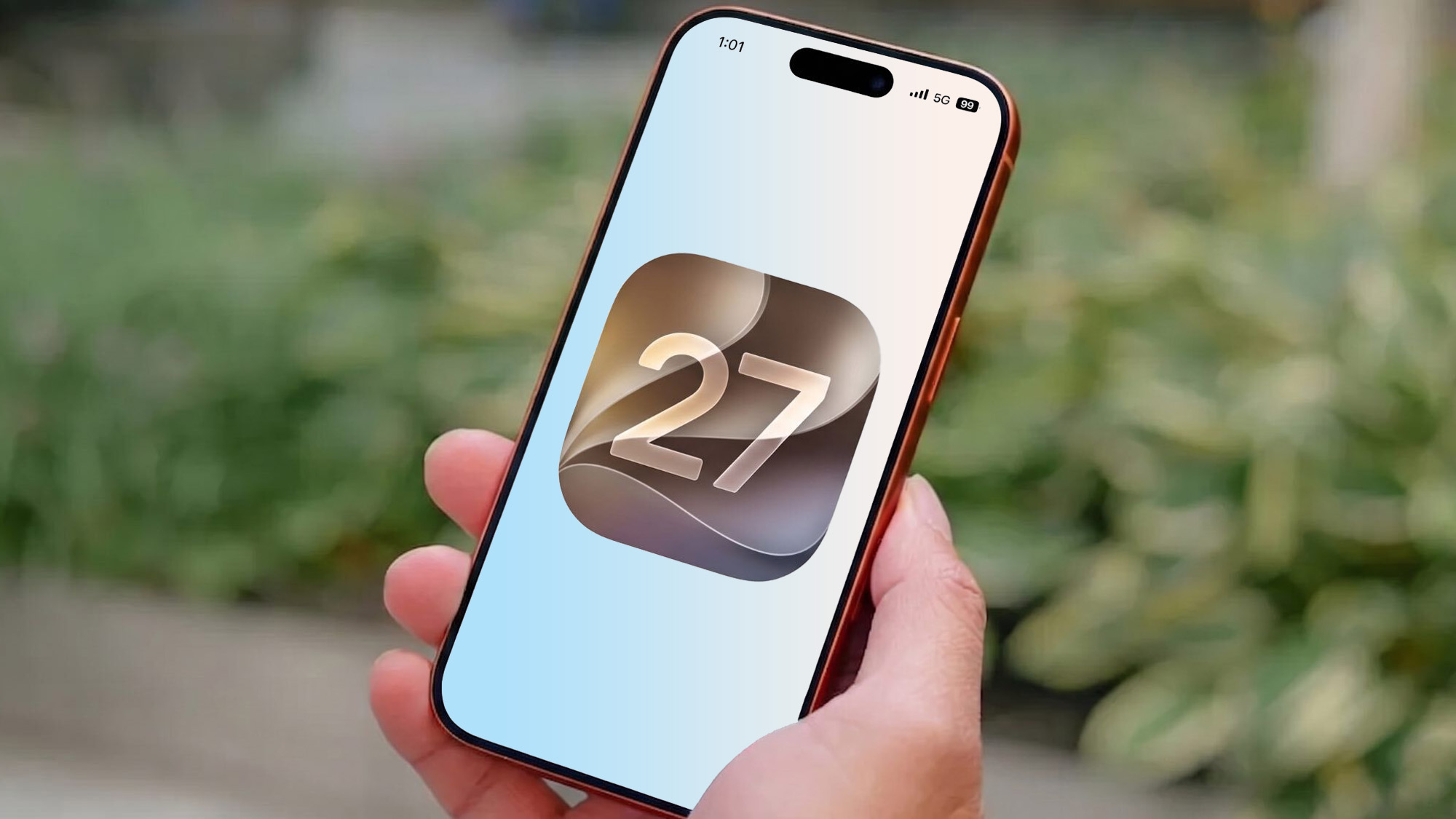
I’m currently only a few paragraphs into this article, and it is clear that dictation on iOS 27 developer beta is far from perfect.
The entire process of initiating speech-to-text is relatively simple. You need to make sure dictation is switched on in iOS's keyboard settings and make sure that the Apple keyboard is open in your app of choice. Once there, all you need to do is tap the microphone button in the bottom right-hand corner of the keyboard. This enables dictation mode, which transforms your spoken words into digital text regardless of the app you are using. I've used it in a Word document, Apple Notes, and even to craft text messages that are sent to my friends and family.
The most obvious issue is one that is commonly shared across all dictation software I've used. The actual formatting of your text after it’s been “typed out” is impossible to do using your voice on its own.
Apple's dictation software does understand basic punctuation such as periods, commas and quotation marks, but it struggles with other things. Something as simple as hitting return on a keyboard and starting a brand-new paragraph isn't actually doable without tapping your screen.
Perhaps there's some kind of special command I could have used that actually lets me add a page break, and not see the word "return" appear on my screen. But if it exists, I couldn't figure out what it was. "Page break" didn't work either, for whatever that's worth.
Another issue is the fact that Apple promised its improved dictation software would be able to automatically punctuate your speech as it’s converted into text. Apple’s press release specifically mentions capitalization, punctuation and formatting, but my experience with the developer beta so far is that this implementation of this is remarkably inconsistent.
If I had let Apple software have its way, the previous two paragraphs would’ve been one big, long block of text with only a single period in the middle. It’s almost as though iOS 27 just didn’t think that my continuing spiel needed to have text breaks and other grammatical flourishes that actually make it possible to read.
Likely, this is simply a by-product of the fact that I am running beta software rather than the final version of Apple's improved systemwide dictation, so here’s hoping that future updates improve this before iOS 27 is released to the general public
Another point of note is that my iPhone does seem to struggle to understand my accent at times. I wouldn’t say that I have a particularly strong accent, but there are some cases where the dictation software doesn’t fully understand what I'm saying. Often this is as innocent as "improved" for "improve," but there was at least one instance where it decided that "one-handed" was actually 100.
While that is a little bit funny, I hope this is down to the fact that this is beta software that isn’t finalized yet, along with the fact that Siri probably doesn’t have the best grasp of my own personal voice right now.
How does it compare to dictation on iOS 26?
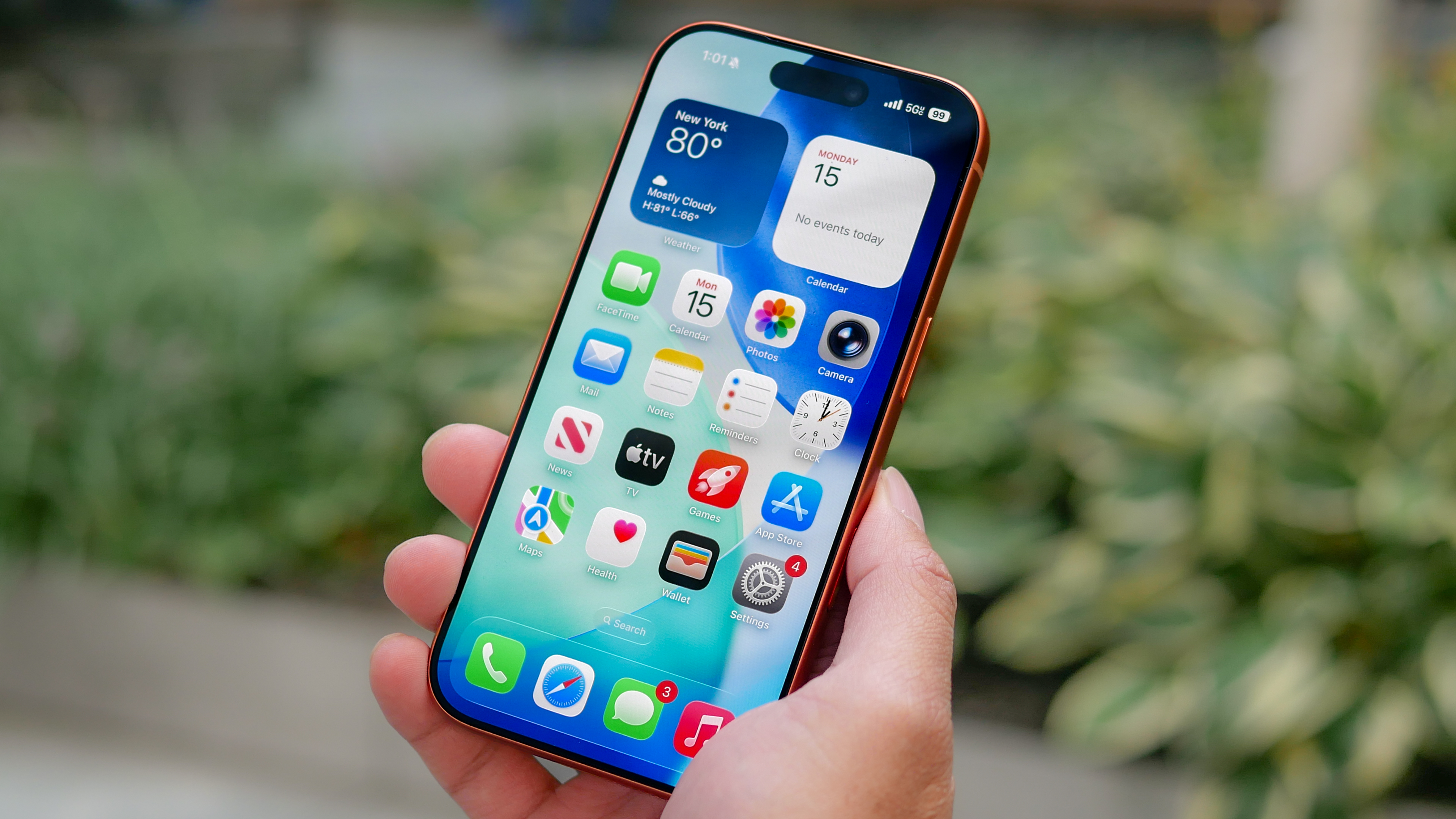
This next section was written with an iPhone 17 Pro running iOS 26.5.1 to get a general feel of how Apple’s dictation software appears to have changed between different versions of iOS. The old Apple dictation software has a reputation for being kinda crappy, which is why iOS 27's AI overhaul is supposed to be making such sweeping changes to speech-to-text on iPhones.
It's important to mention that the older dictation software isn't being ditched with the release of iOS 27 later this year. Apple has confirmed that systemwide dictation is one of two features that is only available on iPhone 17 Pro, iPhone 17 Pro Max and iPhone Air. So iPhone 17 and older will still use the less advanced dictation software.
The first thing I noticed is that the actual dictation is slightly slower than what is available with the iOS 27 beta. There is a noticeable lag between saying words and having them appear on screen. It's subtle, and there isn't an enormous difference a lot of the time, but there's an extra jerkyness to the way the text appears on screen when you're dictating using iOS 26.
I have also noticed iOS 26 seems to make more mistakes, some of which get corrected by the software and others that do not. One prominent example I spotted while dictating this was seeing "iOS 27's AI" written down as "iOS 20 7AI". It’s almost as though the speech to text software isn’t quite sure of what I’m saying, so it ends up second-guessing itself at various points.
At the same time, it certainly feels a little bit less refined with the kind of mistakes that are actually being made and the way the dictation software interprets what it thinks I'm saying. Not to mention the fact that it ends up picking up various filler words (erms and arrs) and translates them into real words like "where." There were also occasions where it struggled with homophones, and mistook words "whether" and "write" for "weather" and "right."
Overall it certainly feels like Apple has made a bunch of significant improvements to dictation in iOS 27 in terms of speed, accuracy and general understanding of what the user is actually saying.
What about Google's dictation?
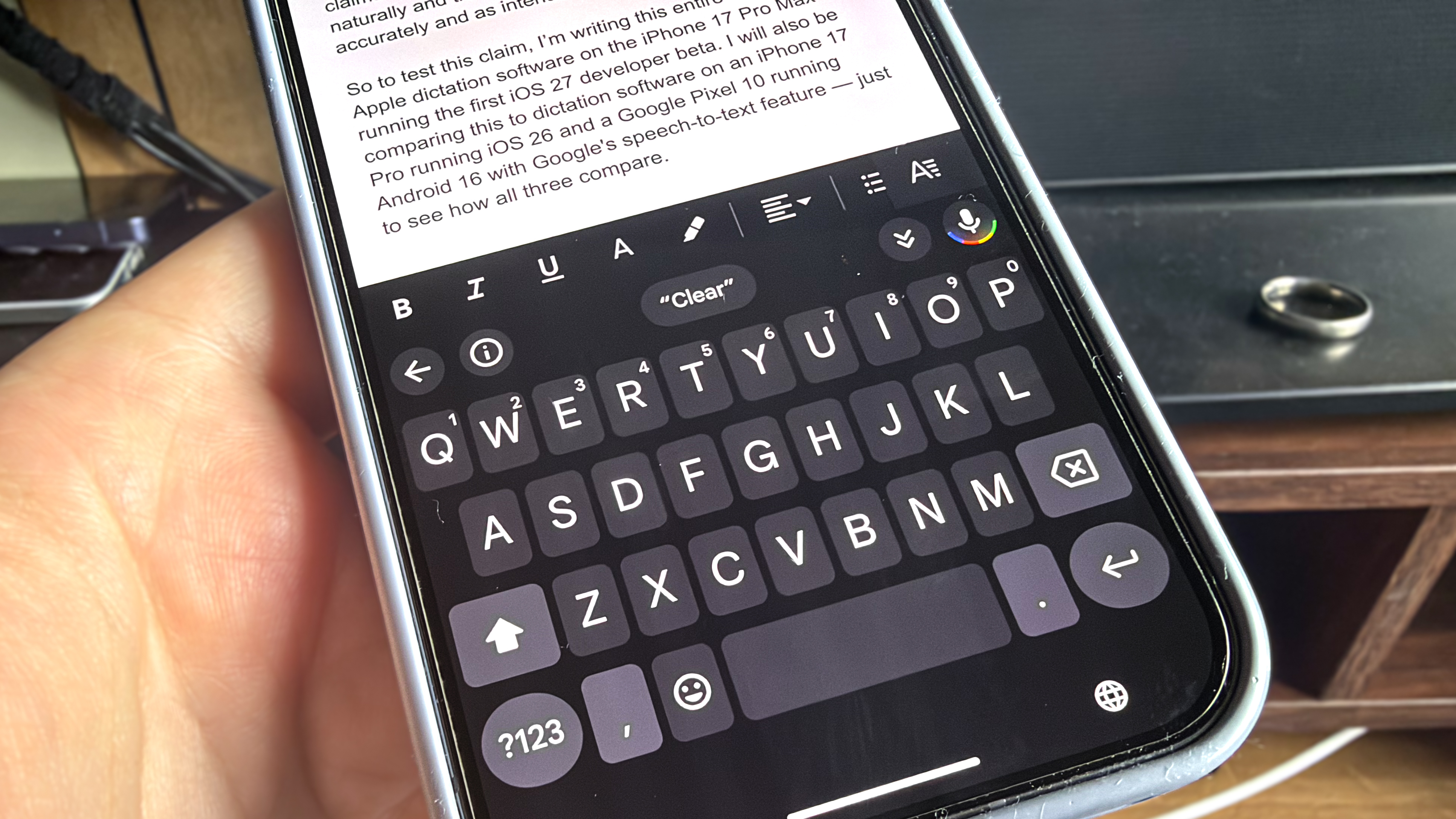
One thing I should add is that Google actually updated its own dictation software with Gemini support less than a month ago. For that reason, it feels as though this version of Google speech to text is a little bit more polished than what I remember using in the past. It's not remarkably different, but some of the automatic formatting features are a little bit more refined than I remember.
Google says that Gemini will be able to remove those dreaded filler words automatically, while also adapting for any mid-sentence corrections you make. Sadly, I'm not having a great deal of luck with the latter. The dictation software knows to skip over the various uhs and ars that I subconsciously make while talking, but it was still picking up other filler words and seemed incapable of correcting those mid-sentence mistakes.
Even as I speak to write this sentence, it's incorrectly formatted a sentence by adding a period and starting a brand new sentence when it wasn't required. So clearly some work needs to be done to get this working correctly
I should point out that iOS 27's speech to text did not pick up any random filler words either, but iOS 26 was very fond of including them. From a performance standpoint, it seems that Android and iOS 27 beta are at a similar level when it comes to understanding what I say — though Apple's automatic formatting currently isn't nearly as impressive as Apple's announcement would have you believe,
You do have to remember that the current version of speech to text in Google keyboard is the finalized public version of the software, which isn't the case with the iOS 27 developer beta. So, by its very nature, there are obviously going to be some discrepancies in iOS 27's performance. We will have to see how much things have changed later this year, once iOS 27 is released to the masses.
As a side note, I noticed that Google keyboard tends to switch off the dictation mode far faster than Apple does. So if you don't continually speak, or stop a little too long to think, you run the risk of having to tap the microphone button multiple times to say what needs to be said. Apple's dictation did automatically switch off eventually, but there is a much longer grace period before it decides that you're finished talking.
Bottom line
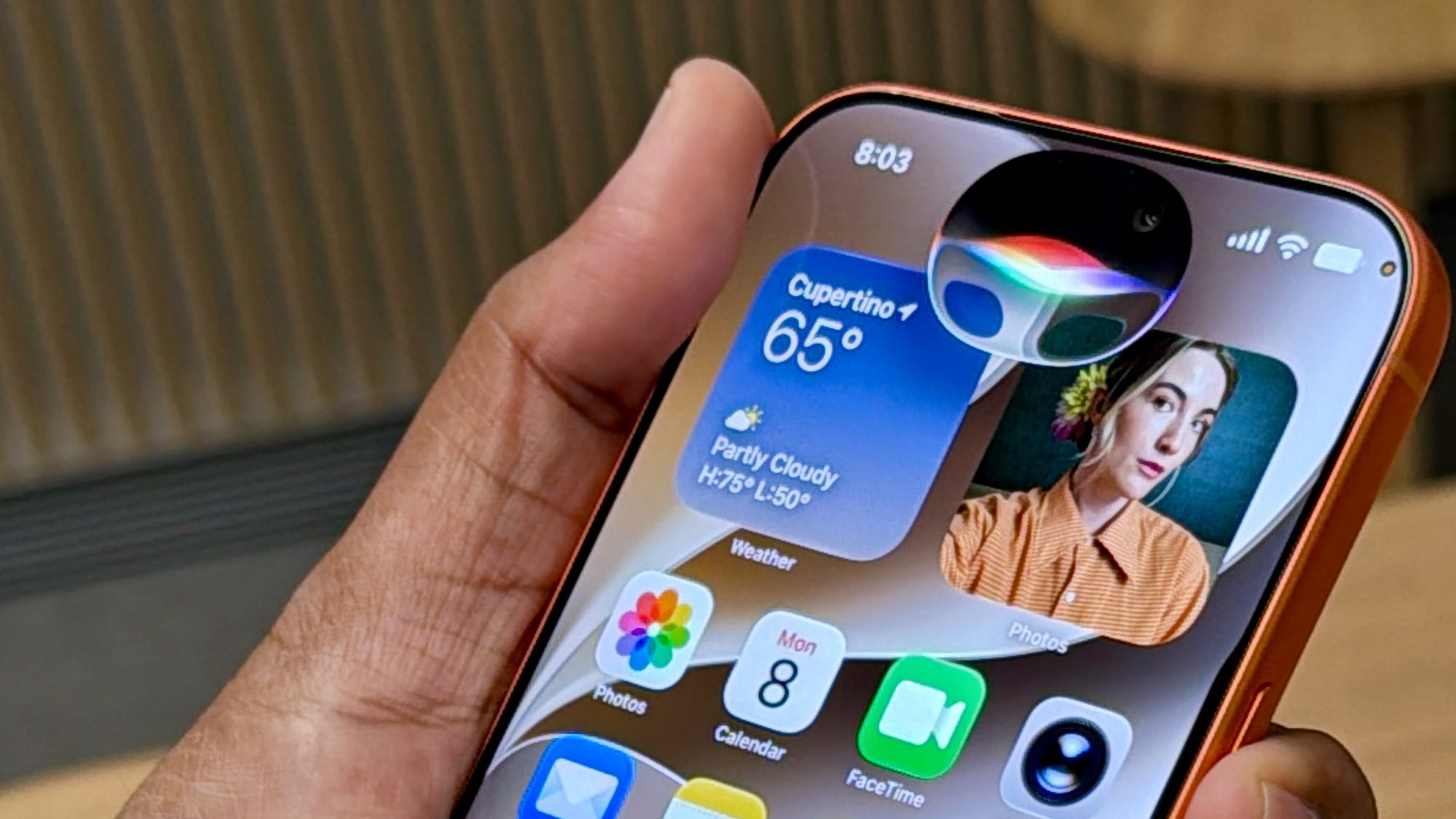
Back to iOS 27's dictation to finish things off and it’s clear that Apple has made some pretty noticeable improvements to its dictation software compared to what iOS 26 has accomplished. It’s generally faster, more accurate and easier to use. That said, it's far from perfect and it certainly isn’t going to convince me to ditch typing any time soon. The fact is the system is still very inaccurate and the automatic formatting feels almost non-existent, which means I have to spend a bunch of time editing to produce a coherent article.
Admittedly Google's dictation does have a lot of those same issues, and that isn’t even beta software. The honest truth is that free dictation software from Apple and Google is only really useful in quite small doses. When it comes to writing hundreds of words, in large blocks of text like this, its usefulness is hampered by the mounting inaccuracies and formatting issues that inevitably need correcting. Or, at least, they do if you want to produce something legible and readworthy.
To top it all off, in my case, a bunch of things I've said don't really translate to the page in the same way as typing on a keyboard. A bunch of sections of this article have had rewrites, either because the sentences themselves didn't quite work or because I needed to straight-up rewrite whole paragraphs.
Apple has made some significant improvements already, that much is clear, but it's going to be interesting to see how much changes as iOS 27 moves through the various pre-release stages of beta testing. That includes getting a better handle on what my voice is like, and with potential improvements to the actual dictation software. Regardless, I still have a hard time picturing a future where text-to-speech can fully replace typing or writing. Certainly not for me.
If you're interested in seeing just how much this article changed during the editing process, you can check out the original, unedited transcript right here.