
You use your phone for practically everything these days, including shopping, browsing the internet, and connecting with others through calls, texts, emails and countless mobile apps.
But did you know you can also use your Android device to store and share a digital copy of your passport?
We’ll explain how and where to leverage this emerging technology. That way, you can decide if doing so is right for you.
Where you can use your digital passport
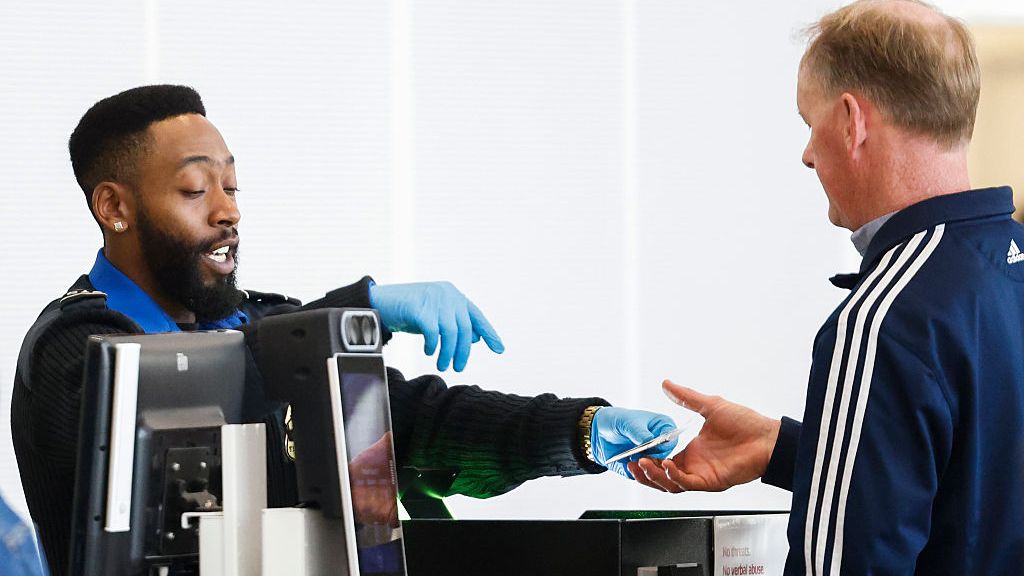
Just like your physical passport, you’ll primarily use your digital passport at the airport while going through TSA checkpoints. You can present your electronic document to prove your identity and board domestic flights.
While adoption of digital ID technology is expanding, availability still varies by airport and TSA checkpoint. You also can’t use a digital passport for international travel, and technical issues can happen. That’s why it’s important to keep your physical passport with you at all times while traveling.
Beyond the airport, some businesses and apps may accept a digital passport to verify your age or identity. However, acceptance is still limited, so it’s smart to confirm ahead of time before relying on it.
Technical requirements to add your digital passport to your Google Wallet
If you want to add your passport to your Google Wallet, you must:
- Have a device running Android 9 or newer
- Turn on Bluetooth
- Set a screen lock with a pin, pattern, password or fingerprint
- Possess a valid U.S. passport
Important note: You can only link your passport to one device at a time, so be sure it’s removed from your old phone, if applicable.
How to add your digital passport to your Google Wallet
Adding your digital passport to your Google Wallet is a fairly straightforward process. Here’s what to do:
- Open the Google Wallet app.
- Tap the "+" button.
- Tap the "ID" option.
- Select "ID pass."
- Choose the United States. (The United Kingdom is an option, but a digital passport from the UK can't be used at a TSA checkpoint.)
- Read the information and tap “Get started.”
- Read the agreement and tap "I agree."
- Scan your passport's information page (which contains your photo). You can also enter the document's code manually.
- Scan the security chip inside the back cover of your passport.
- Record a video of your face to confirm your identity.
- Tap "Continue," and then tap "Done."
If everything processes correctly, you'll receive a notification indicating that you've successfully added your passport to your Google Wallet.
How to use your digital passport
Participating apps and businesses may have different procedures and systems for accepting electronic IDs. However, here’s what you’ll have to do to securely present your digital passport at a TSA checkpoint:
- Turn on Bluetooth (if you haven't already).
- Open the Google Wallet app.
- Find a TSA kiosk.
- Hold your device over the reader. The system will pull up your passport automatically.
- Wait for the kiosk to take your photo.
- Tap "Continue" to permit the app to share your information with the TSA.
- Verify your identity with your pin, password, pattern or fingerprint.
- Wait for the process to finish. You'll see a blue checkmark once you're all set.
You may also be able to scan a QR code to share your passport information.
Important reminder: Your digital passport, while convenient, isn’t a substitute for the hard copy of the document. Be sure to keep your physical wallet and identification on you at all times, just in case.
Ready to remove your passport from your Google Wallet? You can do so through the app or your online Google account with a few taps or clicks. Once you find and select your passport, the process is intuitive, but Google offers a step-by-step walkthrough if you have any issues.