
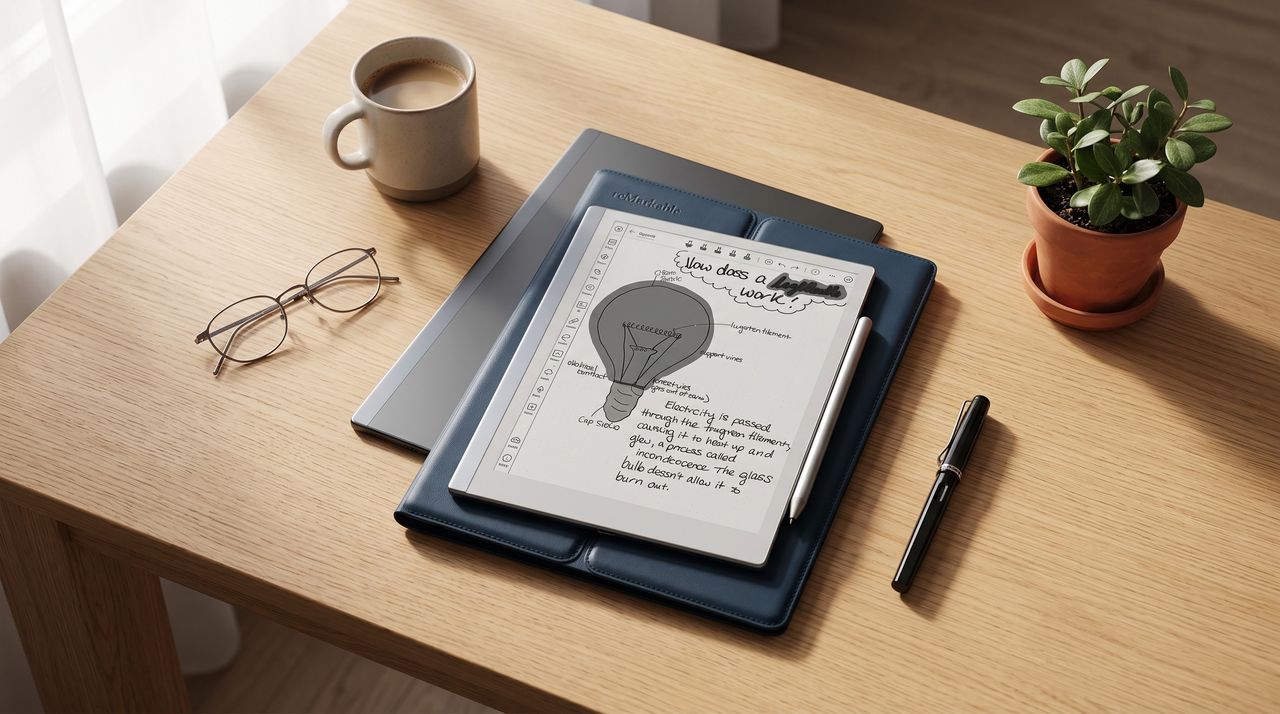
E-ink tablets are having a moment, and I totally get it – which has taken me somewhat by surprise. I've long used a Kindle, but couldn't quite see why I'd need note-taking thrown in. Until I got one.
It's actually super handy to be able to take notes digitally, not least for the handwriting-to-text capability that many models offer. You can import PDFs and other files, as well as other useful functionality you don't get from a notebook. If you rely on text and handwritten notes (so writers, students, academics, PDF‑marking designers) you'll get value from one of these.
These devices vary in price and capability, with some (like the new Boox GO tablet I've been trying out) offering anti-glare screens, and others with lights. Others, such as the Remarkable Paper Pure we just tried and loved, are simpler. They mostly come with styluses in the box, and since they run on Android you can actually download a surprising number of apps to them, as long as you're happy to run them on paper-like screens.
We've reviewed and tried out quite a number of these tablets (see slighter older ones in our best e-ink tablets guide from last year) – and I've put three of our newer top recommendations below.
These all do different things – so you'll be able to find something that matches your needs.
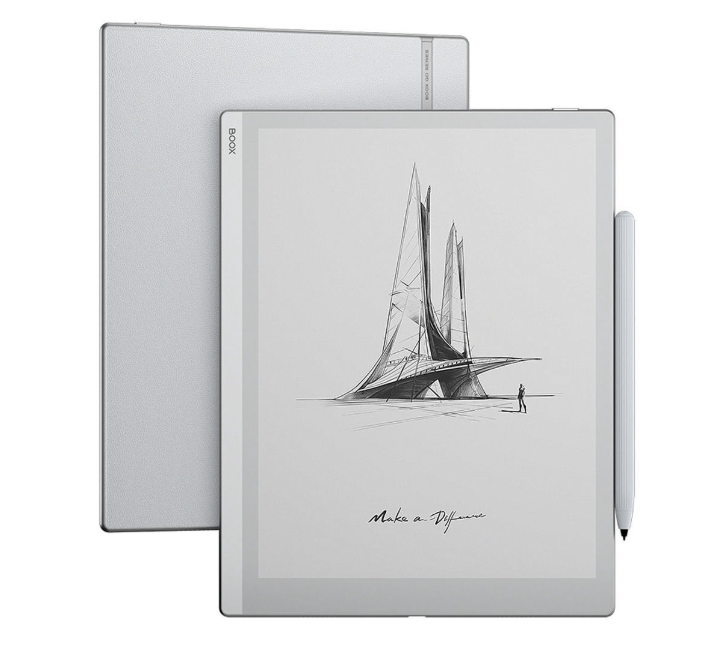
I've been testing this out lately (look out for my full review) and I'm impressed. Infinite Notes, Handwrite-to-text, PDF support, light and thin design – and the stylus is gorgeous. You can also read on it (of course) and it works great in the sunlight or in darkness.
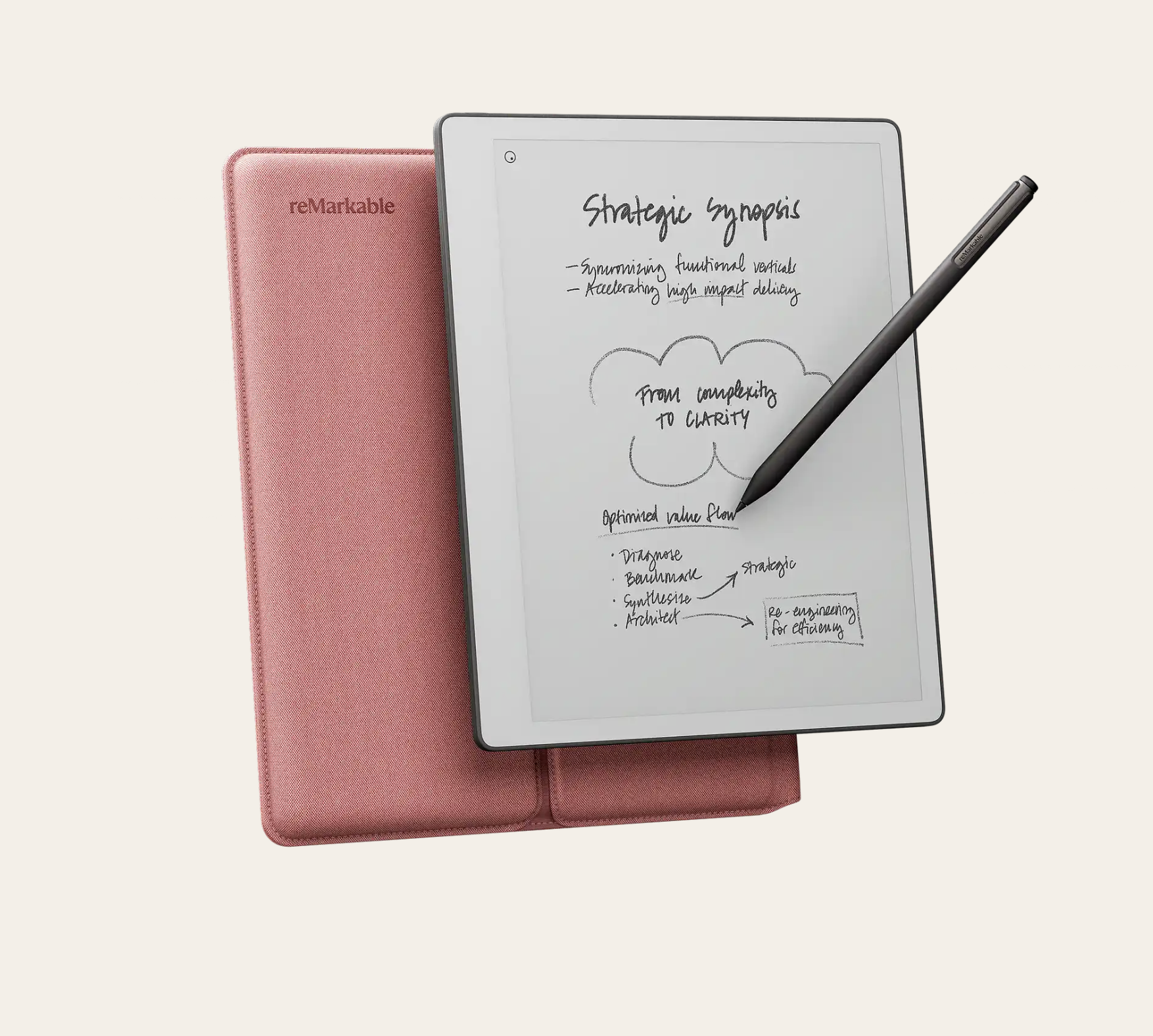
ReMarkable Paper Pure
Design Editor Dan recently tried out this paper-like e-notebook and loved its smooth, paper-like feel and the fact it's a dedicated notepad, and feels textured not smooth like glass. He likes that you can scrawl without thought and erase huge swathes of text if you need to. Dan says his writing looks remarkably better on here than on iPad.
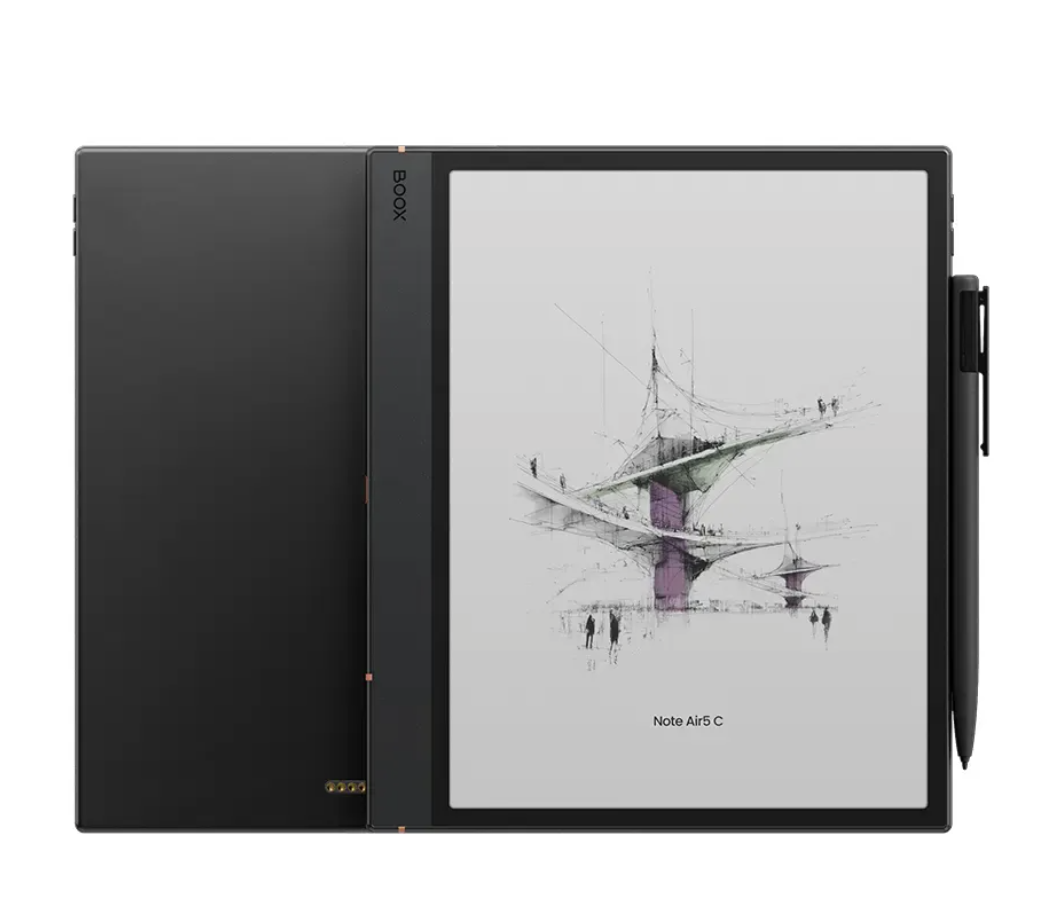
Onyx Boox Note Air 5 C
This is the only tablet on the list that's colour. Our reviewer gave it an almost perfect score, citing the brilliant writing experience, PDF annotation and how easy it is to read on/interact with. You can insert links, text and images in the notes app - and it's easy to use.
Not for you? Try our pick of the best drawing tablets. Or the deals below: