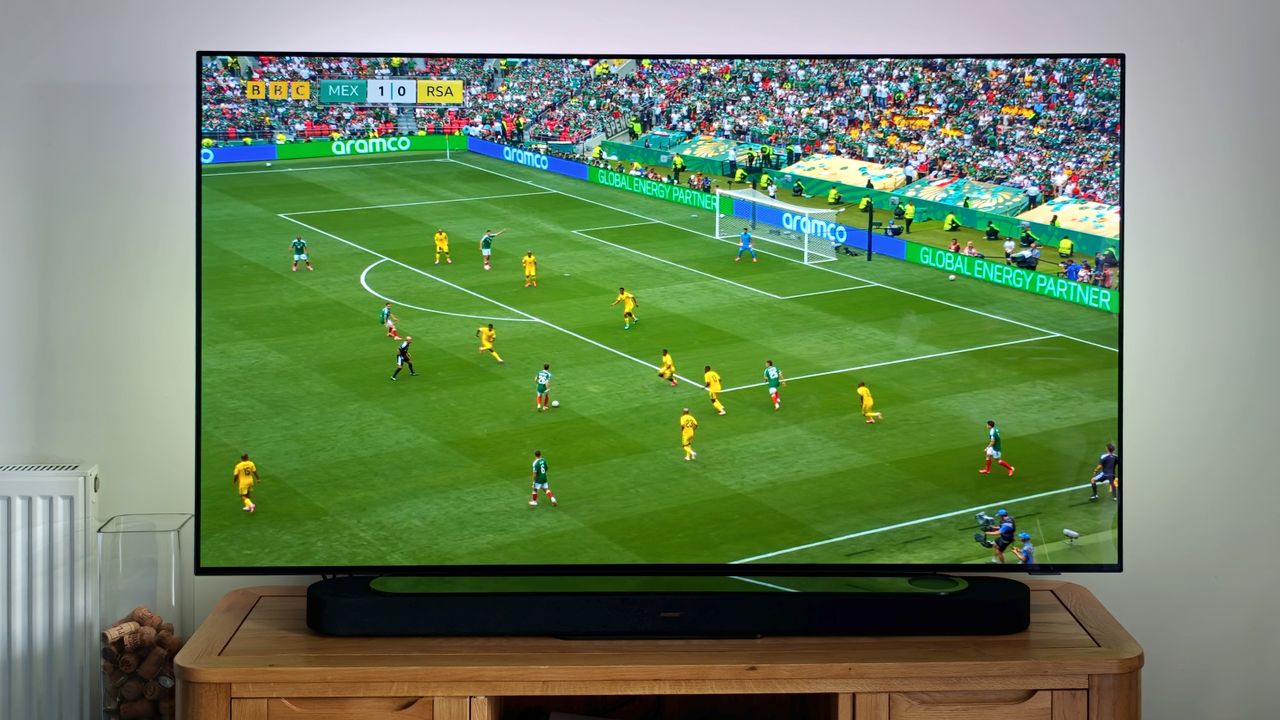
World Cup fever has gripped the globe – and as we build up to England's first game, you might've watched the first match and thought "hmm, that doesn't look great".
Much as I could recommend buying a brand new TV, few of us have got the serious cash required to drop everything and bag a big new screen right now. So don't do that – just ensure the settings of your current screen are adjusting accordingly!
Looking for a World Cup TV deal? The 3 best models to buy
Here's a quick rundown of how to get your current TV into World Cup form ahead of the most important matches over the coming weeks. It's free, it's simple, and it'll improve your World Cup and, indeed, sports viewing no end.
Sport Mode
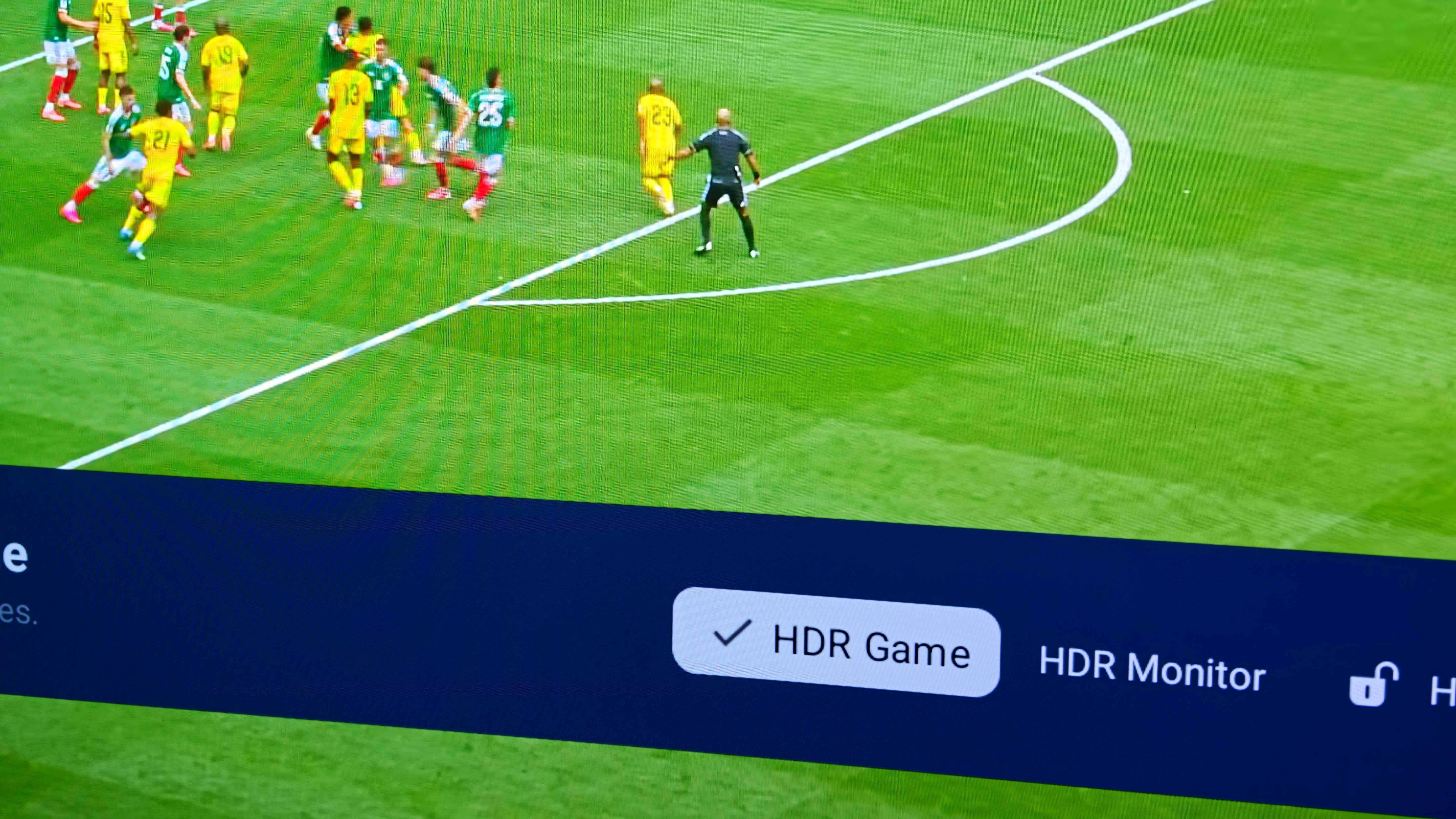
This isn't to sound patronising, but if your TV has a Sports mode then use it. It's designed to bring motion benefits and, in some cases, sound enhancements for commentary, that gets everything looking and sounding its very best for the game.
All TVs differ, of course, so where you find this on your particular brand will likely differ from another. A good place to start is the TV's remote control and the Settings icon – typically a 'cog', sometimes a series of horizontal bands (perhaps with a cog within that).
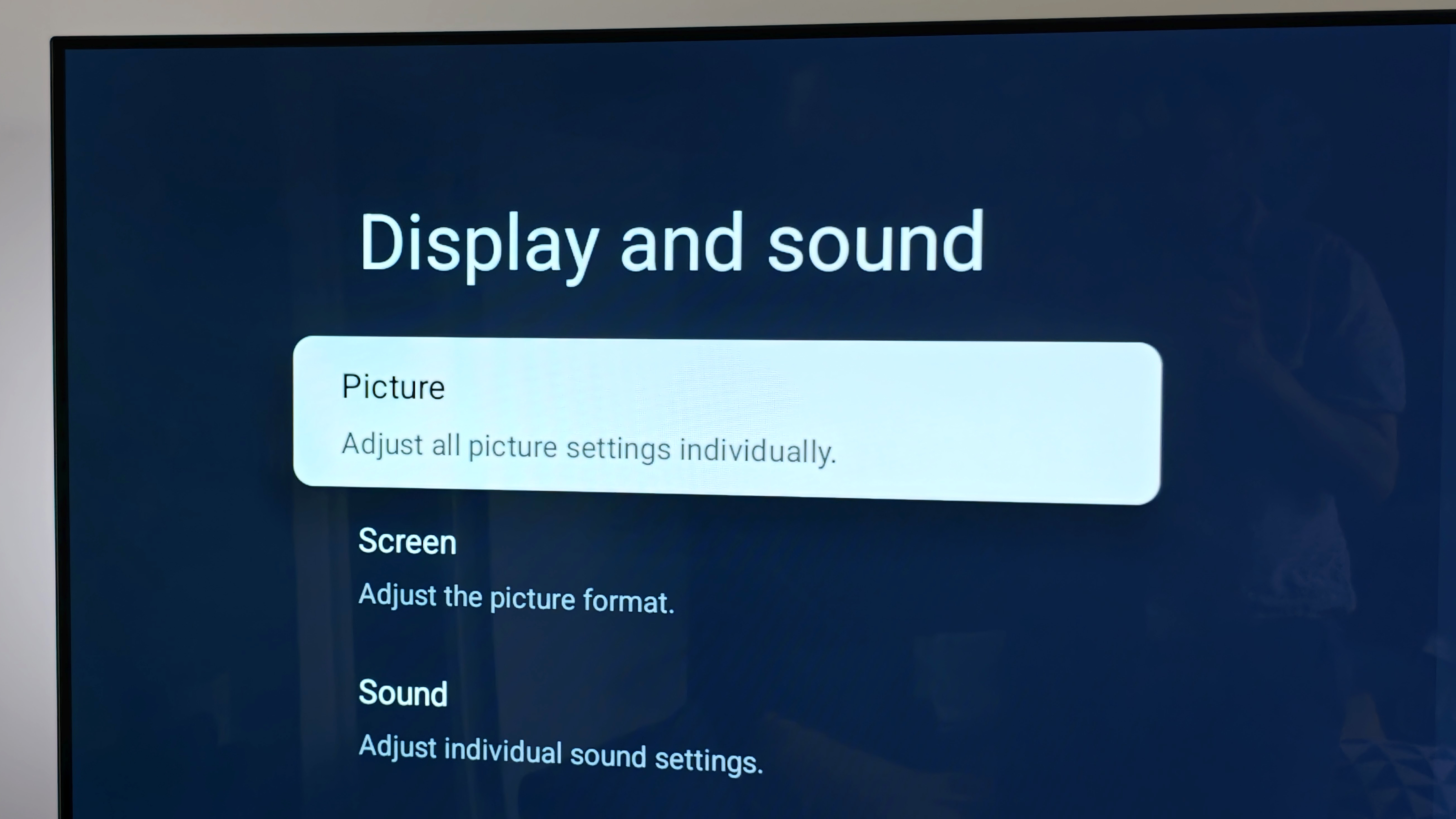
From here, look for 'Picture' or 'Picture Styles' – anything to that effect. If you've never adjusted this then, chances are it'll be on the default setting. Cycle between the Dynamic, Custom, Movie, Filmmaker Mode and so forth, seeking out Sports.
No Sport Mode? No Problem! Motion Adjustment
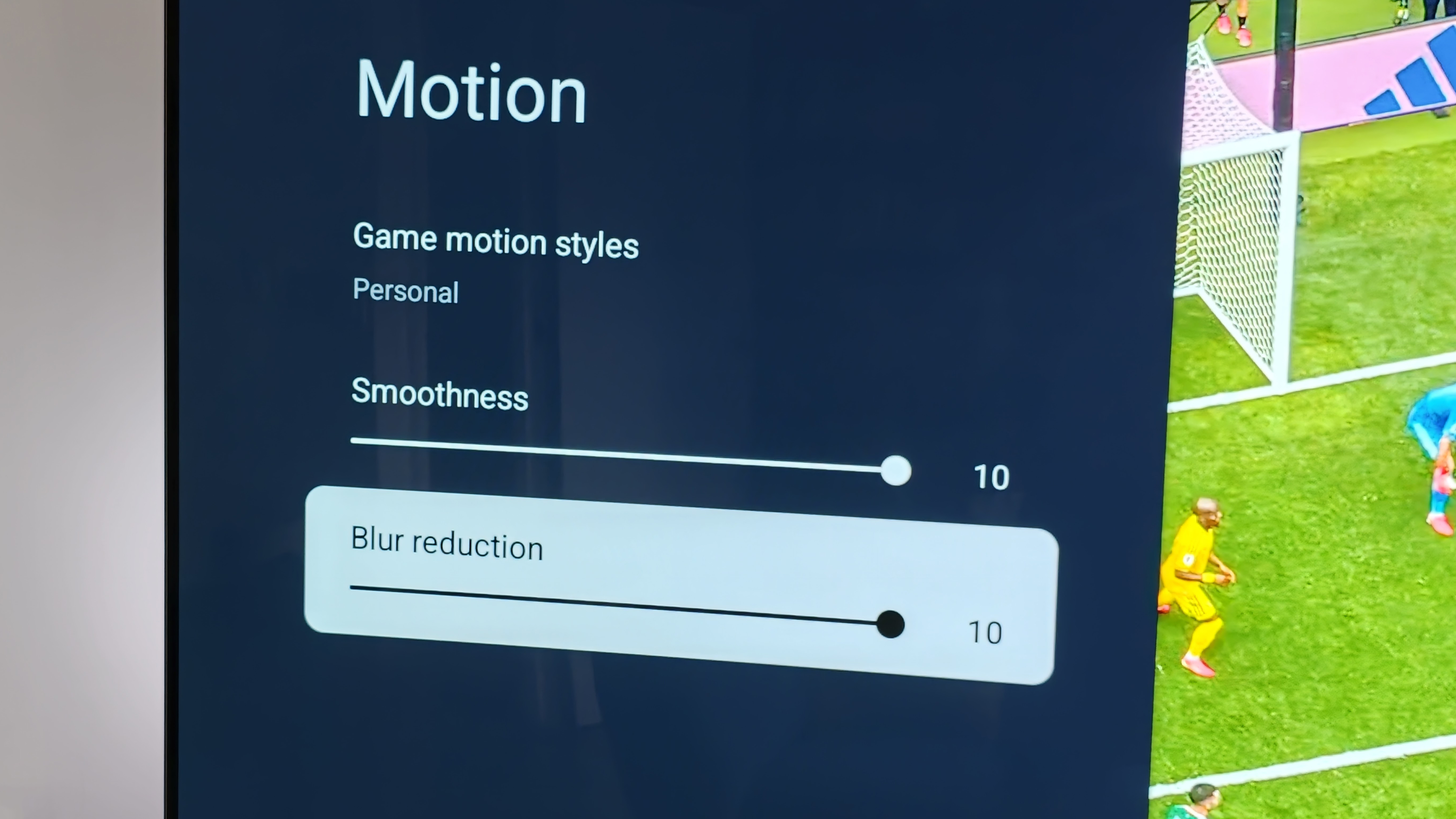
However! Not all TVs have a Sport mode. Indeed, the very example I'm illustrating this article with doesn't – and the Game mode, much as it sounds like a good match, is designed for videogames (with low-latency being its biggest goal).
In these cases, not all is lost, you'll just need to menu dig a little deeper. Because, ultimately, Sport mode is all about motion – and helping to smooth out what's on screen. It'll provide more fluid playback, but, be warned, it'll look terrible for movies and series.
Within your Picture Settings look for submenus that have a Motion adjustment. Then get ready to crank these up – as TV processors can 'add' frames to smooth out the action, or reduce blur by applying other processing tactics. The latter is good to prevent the ball appearing to 'stutter' across the screen when moving at pace.
Brightness Is Best
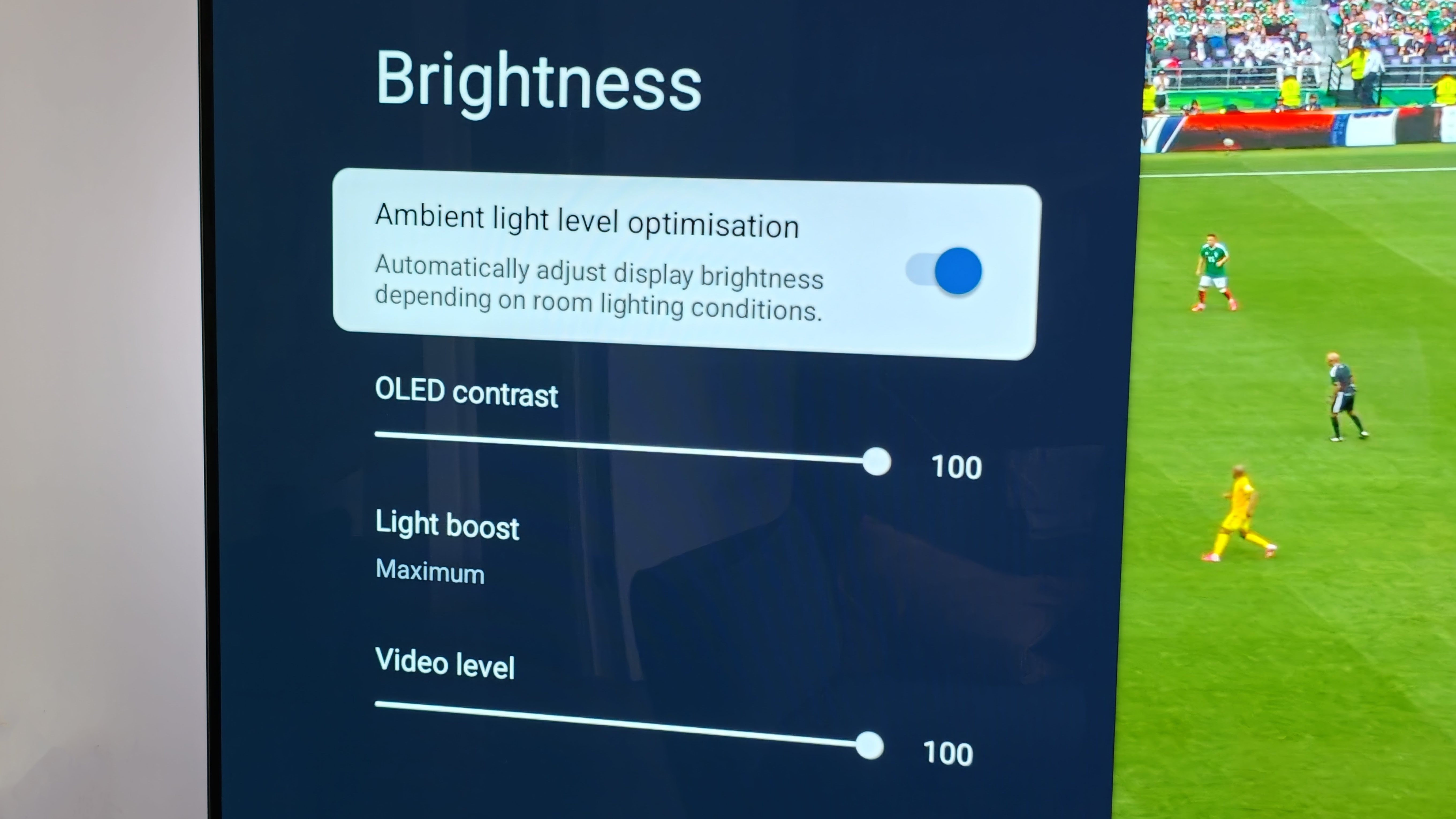
Another option: if you can't find all these settings but have a Dynamic mode or similar, then select this. This will elevate brightness, contrast and saturation – all of which help to bring football stadiums even more to life.
Otherwise, again, dig into your settings. Some TVs will have ambient light sensors to auto-adjust levels depending on daylight. Toggle that off and push the brightness levels to the upper levels instead – ensuring you'll be demanding the most output from your TV's backlight.
Again, full brightness can look terrible for movies and series that have nuanced – and post-produced – deep layers of dark levels. For the big game? You want everything as punchy and live-action as possible, so go all out.
Best Source
This might sound counter-intuitive, but don't use an internet-streamed source – especially BBC iPlayer 4K (when it's available). Why? Because the delay is a lot greater – and, unless you live on a farm in the middle of nowhere, you'll probably hear people cheering/booing some 40-seconds before you catch up on the action.
We can't all afford snazzy Sky or EE TV setups either, of course, but in the UK between the BBC and ITV you'll be able to get live broadcasts in Full HD (1080p). Those are upscaled to 4K resolution for any Ultra-HD TV anyway, so you'll gain some benefit of resolution anyway.
The obvious benefit to iPlayer 4K, however, is that it's also broadcast in HDR (high dynamic range) for the punchiest of quality. Much as I'd love everyone to experience that – the delay might not be worth it. Save that for the highlights shows instead!
Or spoil yourself...
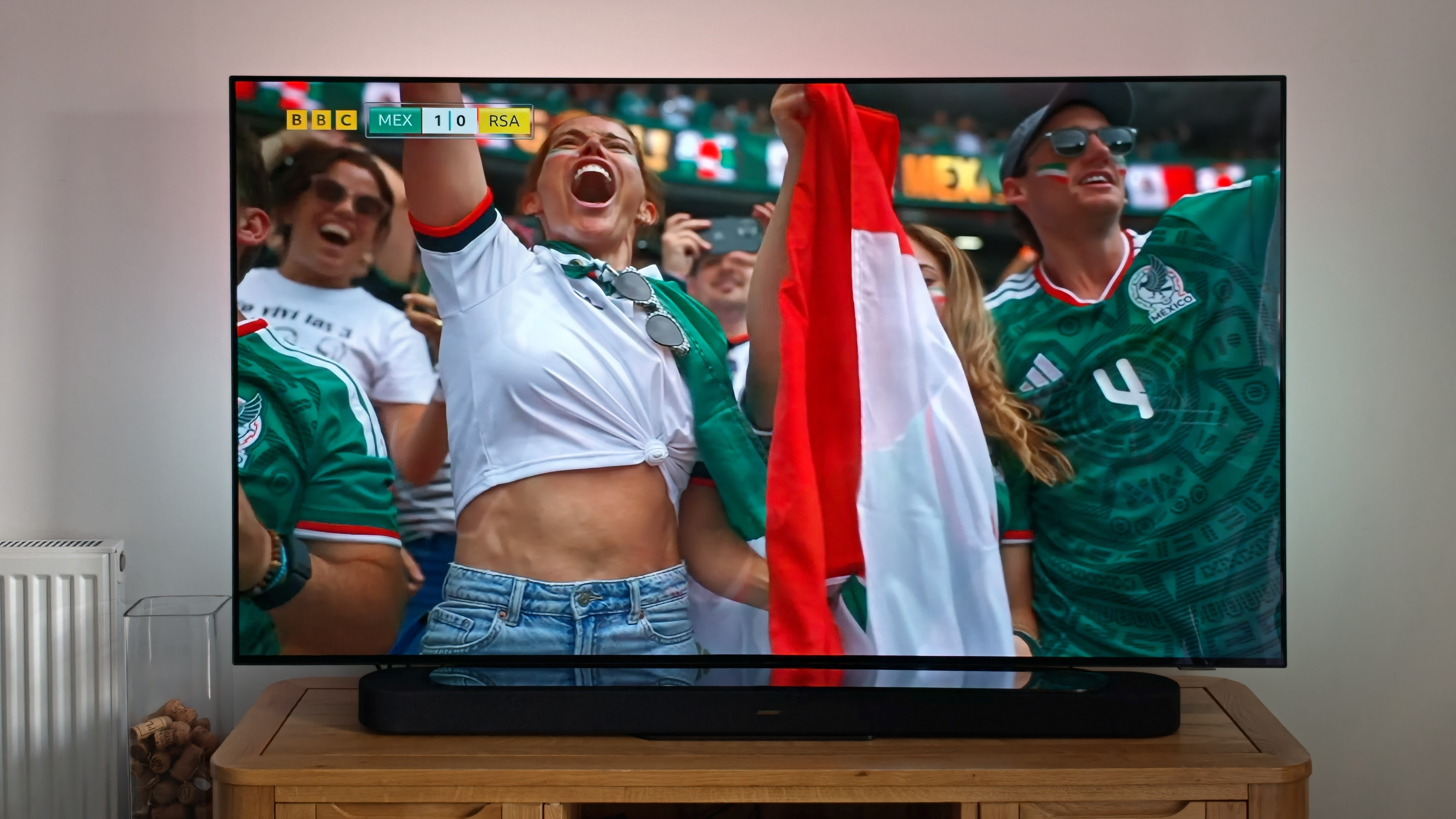
If, however, you do have a wedge of cash and you've elected to not spend it on a flight to North America and do fancy buying a new TV then, fill yer boots. Below is a top-tier and a cheaper-but-also-excellent option – one from Samsung, the other TCL.
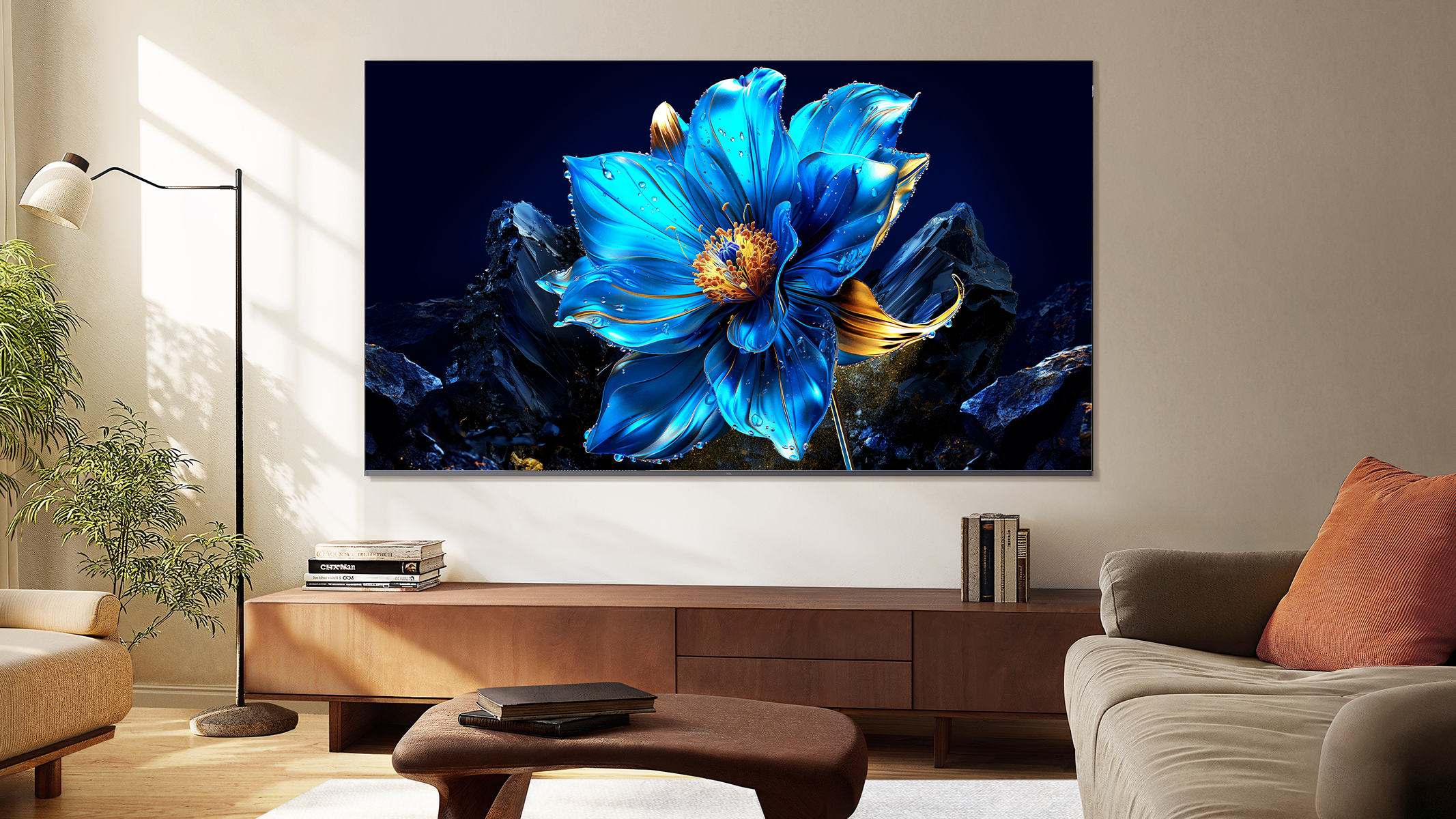
Best value TCL C7K
TCL has been challenging established TV brands by combining top spec and great value for money. The TCL C7K sits just below the company's flagship TV (the C8K), offering a capable Mini-LED screen – so it's super-bright. You get a lot for your money – and while some further picture tweaks are recommended to get the best results, it offers more than you get from bigger brands at this price.
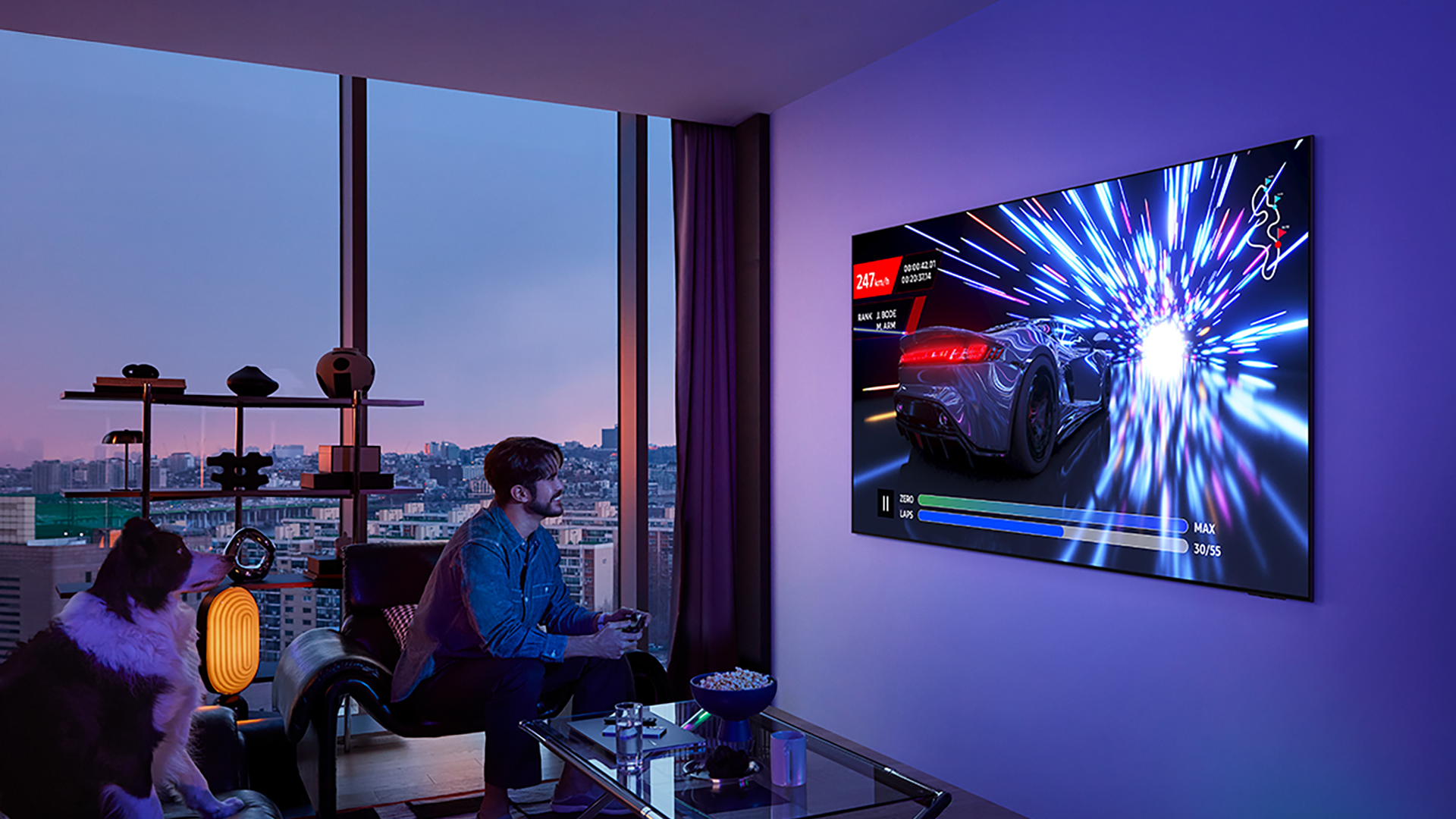
Best for quality Samsung S95F
The Samsung S95F is last year's best TV, but now it's dropped in price it's still a top buy – especially if you want to watch movies and series, not only sports. This QD-OLED panel packs in really high brightness, yet is finished with a matte screen. It's that latter feature which kills reflections in their tracks, making it a great choice for brighter rooms. The design is as premium as they come, too.